
Keep the character.
Improved reference fidelity helps distinctive subjects stay recognizable across new settings and styles.
A new world. A familiar face.An idea worth seeing.
Turn the scene in your head into something you can share. Create character portraits, bold posters and product visuals with GPT Image 2.5 Flare.
Your idea. Your prompt. Your next image.
01 THE POSSIBILITIES
Start with a spark. Explore these Flare generations, borrow a prompt, then make the idea your own.
 GENERATED WITH GPT IMAGE 2.5 FLARE
THE IMAGE STARTS HERE
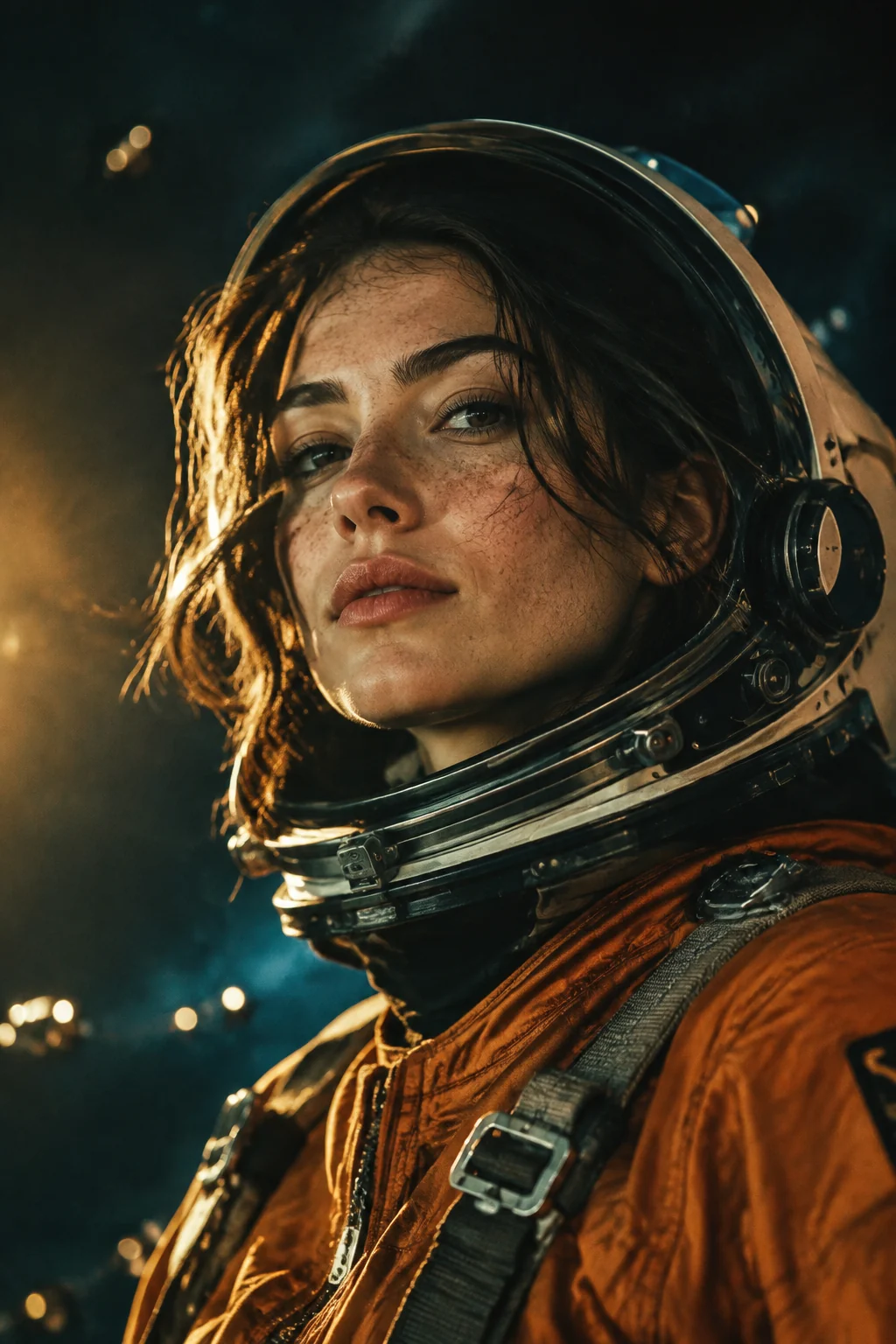
Cinematic close-up of a female astronaut in a burnt-orange flight suit, visor raised, freckles and windswept dark hair. Tiny orbital lights behind her, warm rim light against deep teal shadows, tactile film grain, confident gaze. Editorial science-fiction photography.
Opens in the generator, ready for your changes. Each generation creates a new result.
02 MEET THE MODEL
GPT Image 2.5 Flare brings OpenAI’s latest image generation to your creative workflow on EZ Character.
Read OpenAI’s September 8 announcementImproved reference fidelity helps distinctive subjects stay recognizable across new settings and styles.
A new world. A familiar face.More precise editing helps change the requested elements while preserving the surrounding image.
Give your next revision a clear direction.Faster generation than GPT Image 2 brings the next creative iteration closer.
Try another composition. See where it goes.Model improvements described in OpenAI’s announcement.
A PROMPT. A PRODUCT. A POINT OF VIEW.03 MAKE IT YOURS
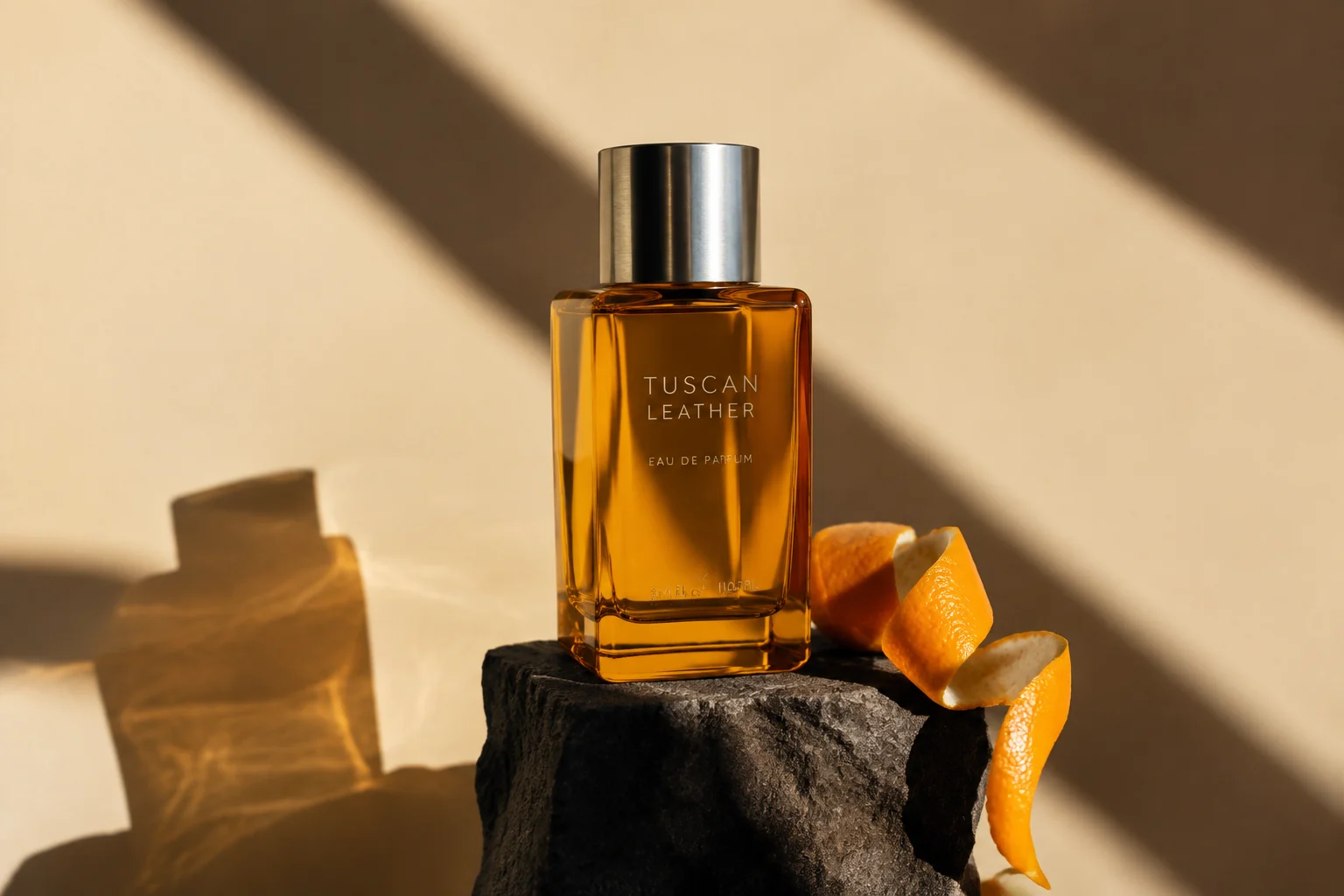
Set the scene. Name the material. Describe the light. Give your idea a composition and let Flare show you a first direction.
Build on this product prompt04 A LITTLE MORE DETAIL
Getting started with GPT Image 2.5 Flare.
GPT Image 2.5 Flare is an OpenAI image model introduced on September 8, 2026, alongside ChatGPT Images 2.5. You can use it here to turn a written prompt into an image.
Source: OpenAI’s announcementOpenAI describes Flare as improving image quality, reference fidelity and editing precision, with faster generation than GPT Image 2. Actual generation time depends on the request and service conditions.
Source: OpenAI’s announcementFlare focuses on fast image creation. Sunburst adds precision for detailed editing and takes longer. This generator uses Flare.
Source: OpenAI’s announcementOpen the Flare workspace and upload an image or describe one to create. Each new instruction edits your current image. Use the × button to clear it and start fresh, or choose an earlier version to continue from there.
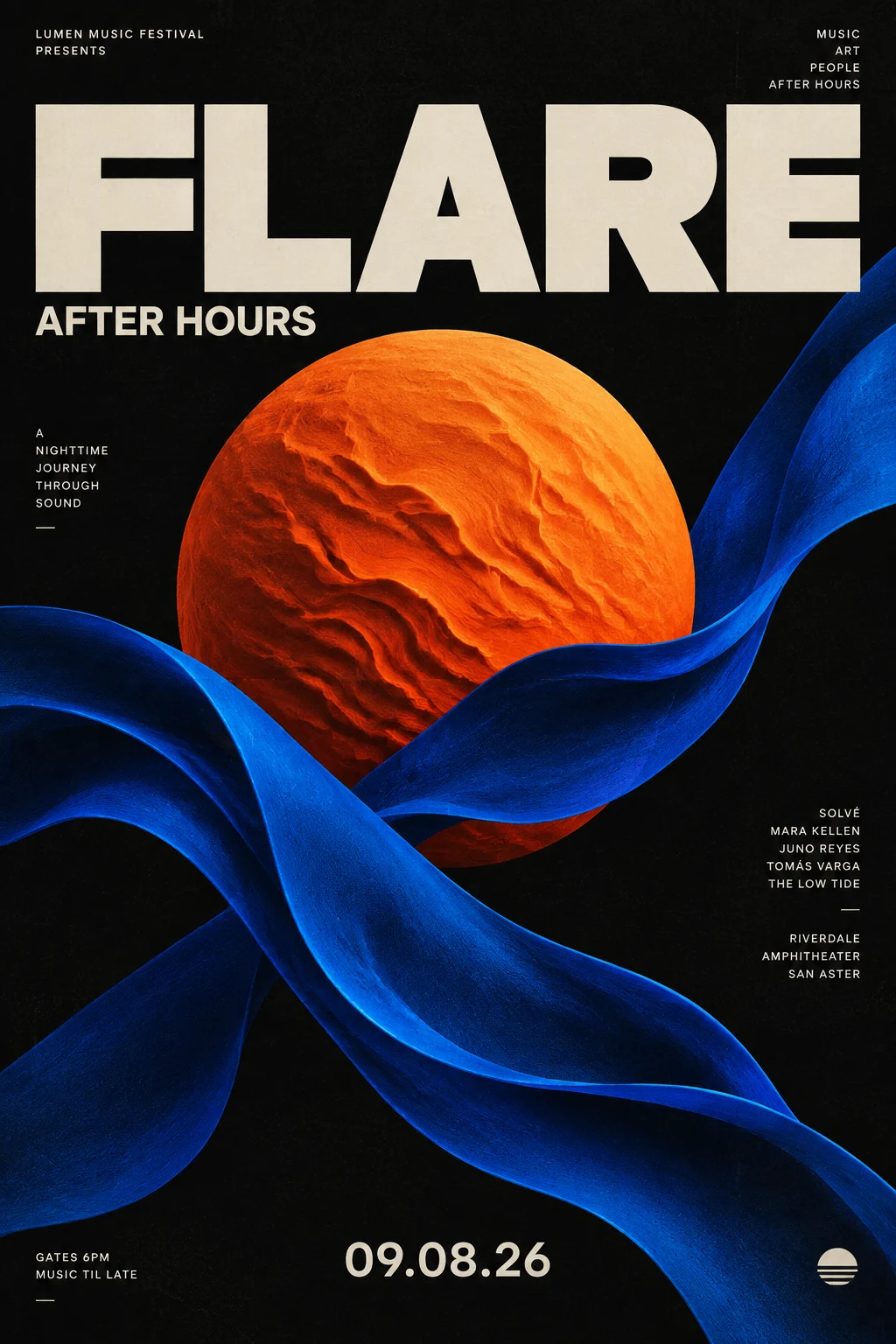
Start with the subject and what it is doing. Add the setting, composition, lighting and visual style. For posters or packaging, put the exact words you want in quotation marks and explain where they should appear.
EZ Character uses credits for generation. Check the current credit cost in the generator before submitting your image. Your selected settings determine the available options and price.
GIVE THAT IDEA A LITTLE FLARE
Start with a sentence. See what happens next.