


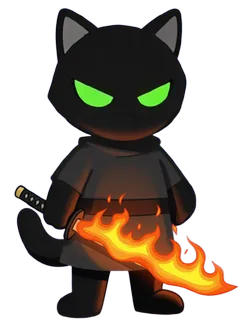
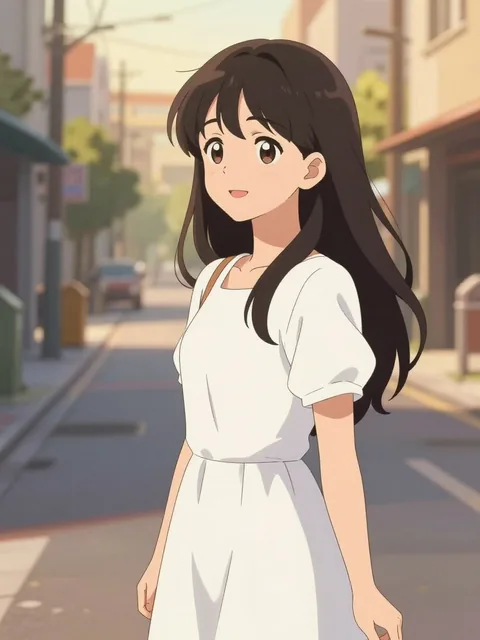
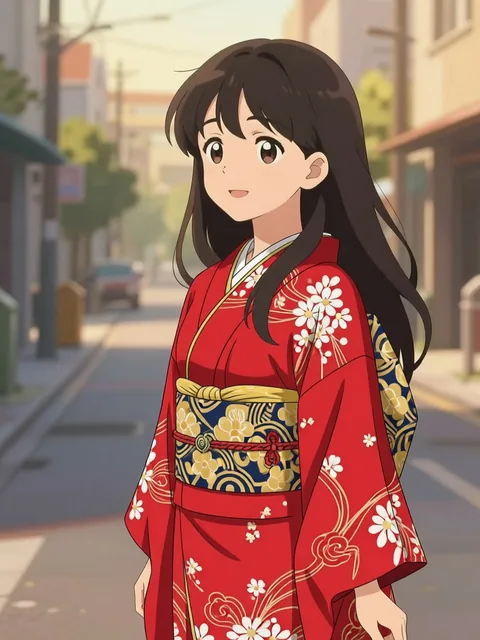
Shop greeting
Edit your characters and scenes 10× faster with AI
The new way to edit faster. Perfect character consistency in just a few clicks.
Get Started Now Try for freeImage · One change
Change one thing. Keep everything else.
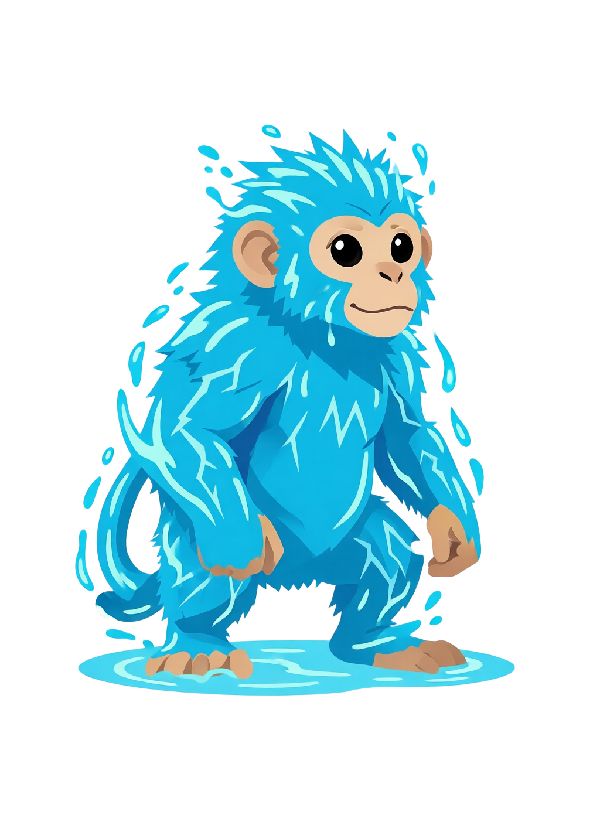
Result 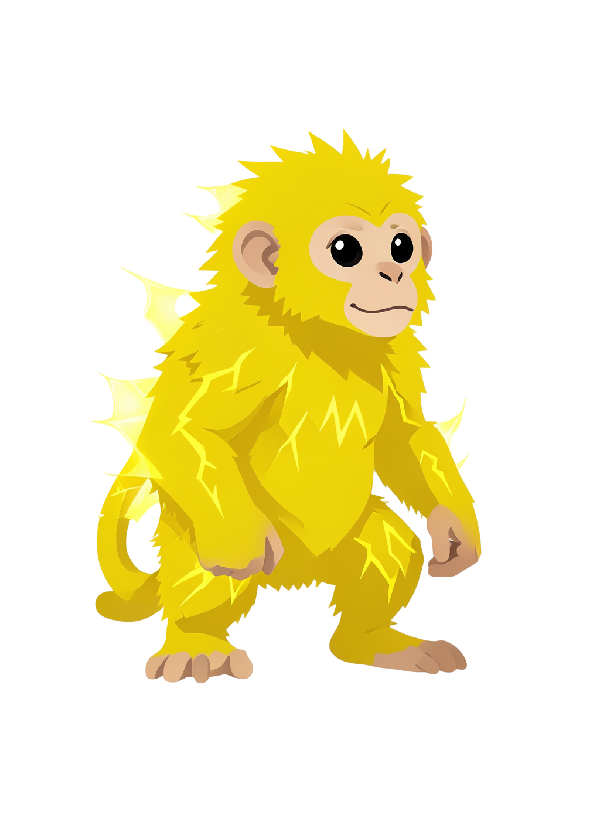
Input NewVideo · 4–30 s · Sound
Picture and sound, in one take.
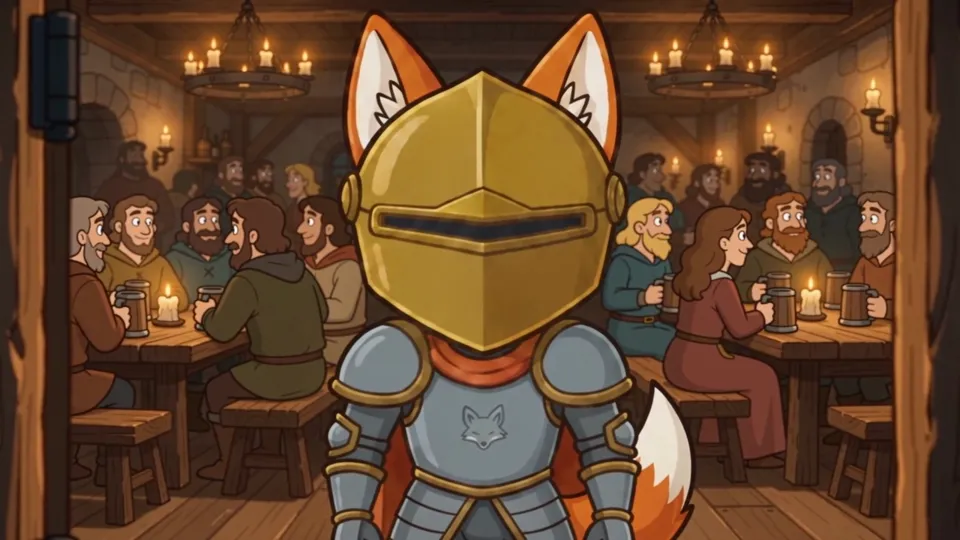
Video 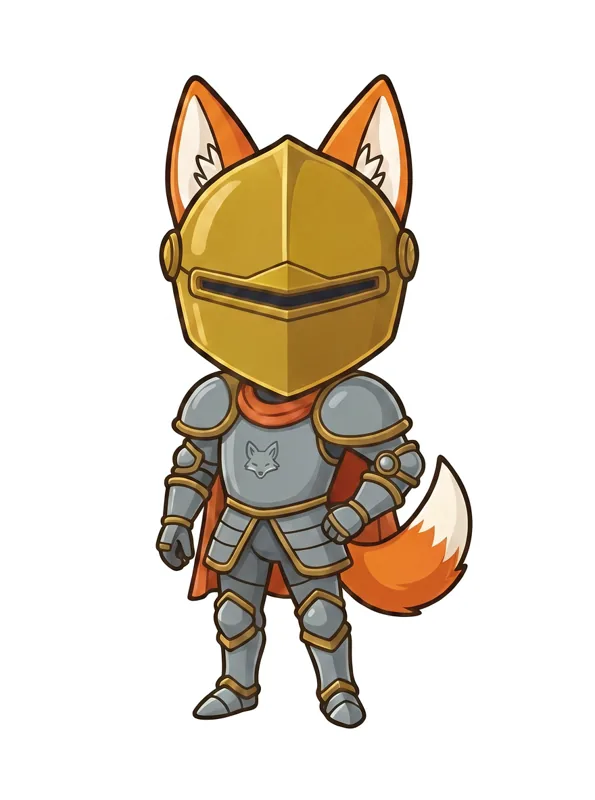
Input Seedance 2.5
4–30 second videos with dialogue, effects and music generated together. Try Seedance 2.5
Audio · Text to speech
Type it. Hear it.
Shop greeting · Happy
3D · Textured mesh
From one picture to a 3D model.
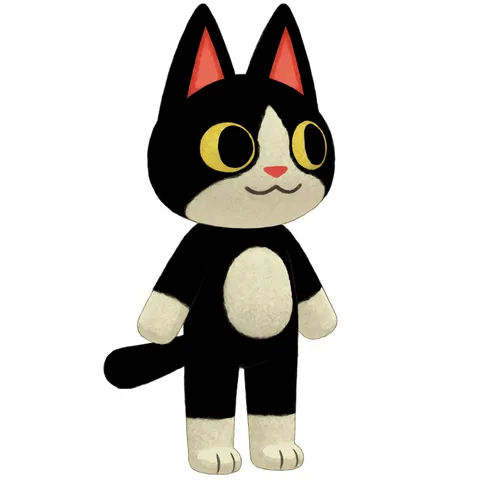
Input
Image editing
Small changes.
In seconds.
Type one change, then the next. No long wait between tweaks like in chat apps.
- One change at a time, the rest stays put
- About 11 seconds from click to result
Try Image Edit 3 credits per edit on a plan, 6 without
Voices
Give your character a voice.
Pick one of 20 voices and type a line. Set the speed, pitch and emotion. Play each take, then send it to a video.
Try Voices 25 credits per 1,000 characters
Quest giver
Battle cry
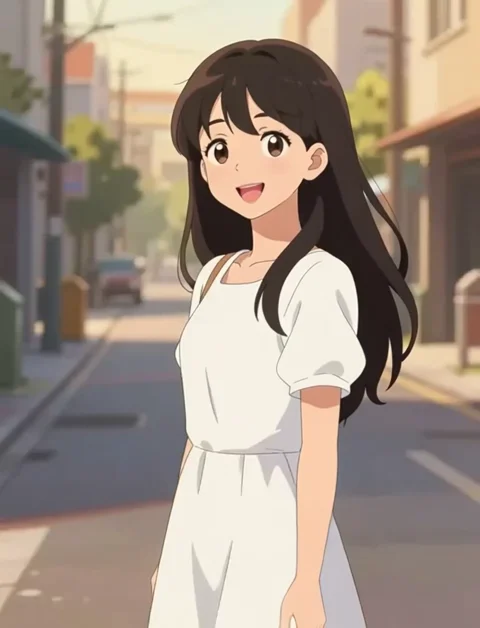
3D
One picture in.
A 3D model out.
Upload a character or type an idea. Spin the model, check it in Textured, Clay or Wire. Download a GLB for Blender, Unity, Unreal or Godot.
Unlimited GLB downloads on every paid plan
Try 3D 20 credits per model
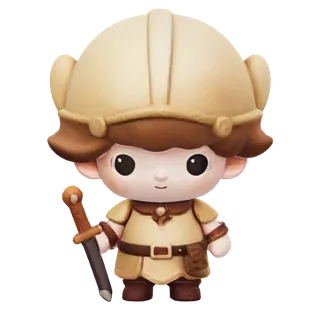
Character consistency, solved
AI characters that
stay the same.
Describe a character once and reuse it anywhere — the same face across every angle, art style, pose, and scene. Free, no upload — turnarounds, reference sheets, and design assets in seconds.
No credit card · 40 free credits (~80 images) every month
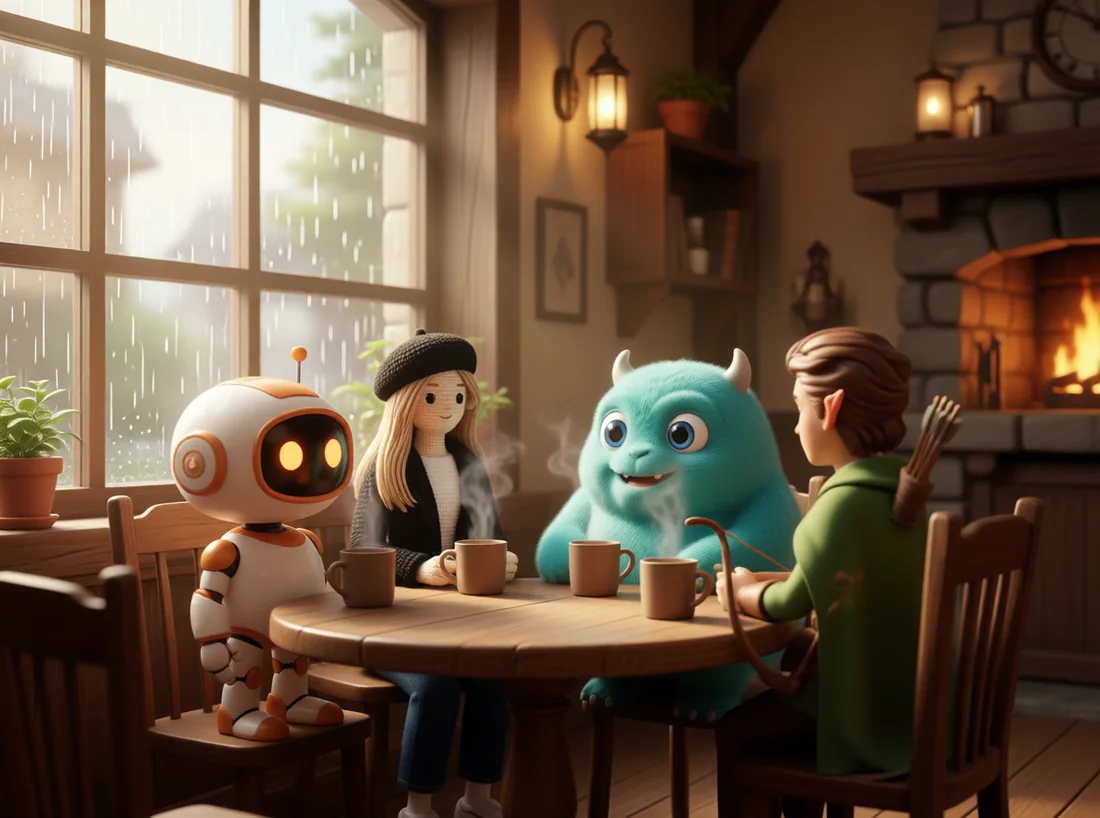
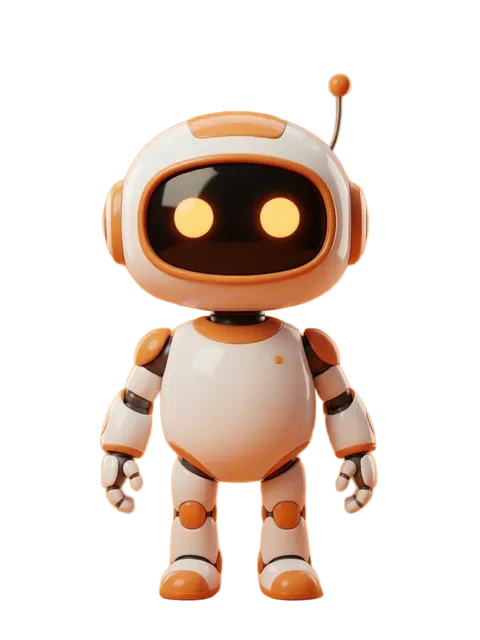
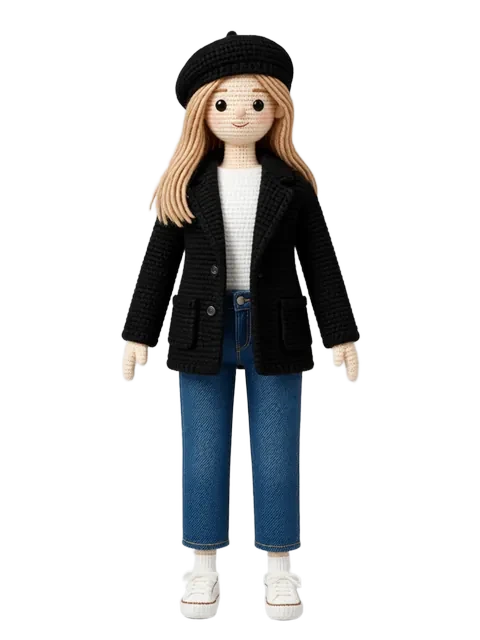
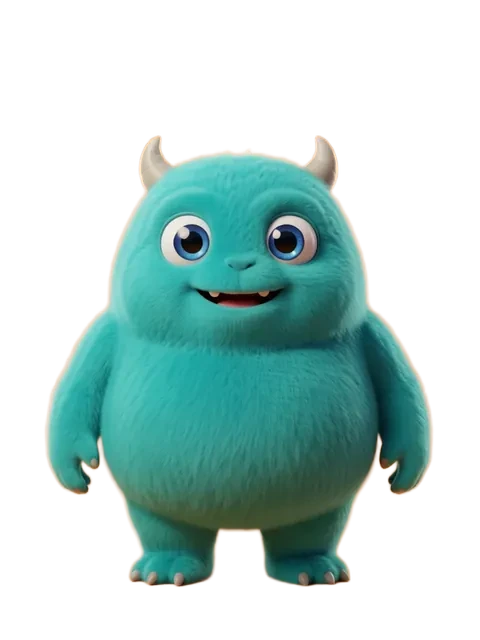
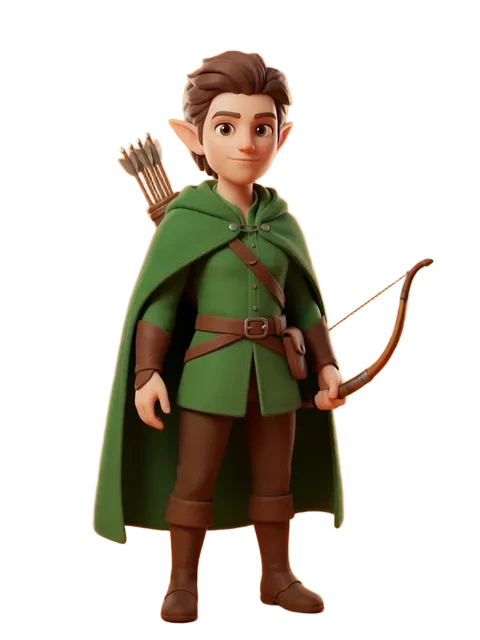
96 precise character angles
∞ expressions
1-click object swapping
80 free images a month
See what's possible
One upload. Endless creative output.
One instruction later
Keep everything else.
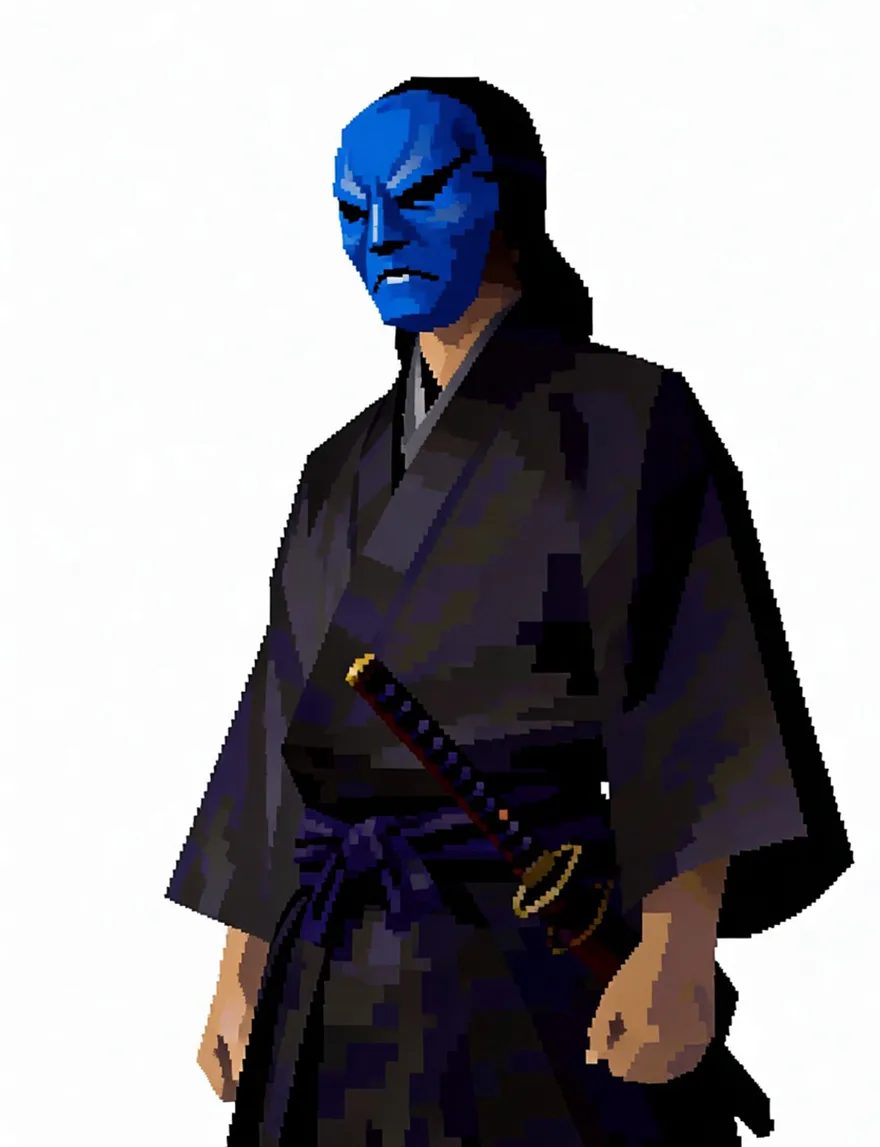
Result 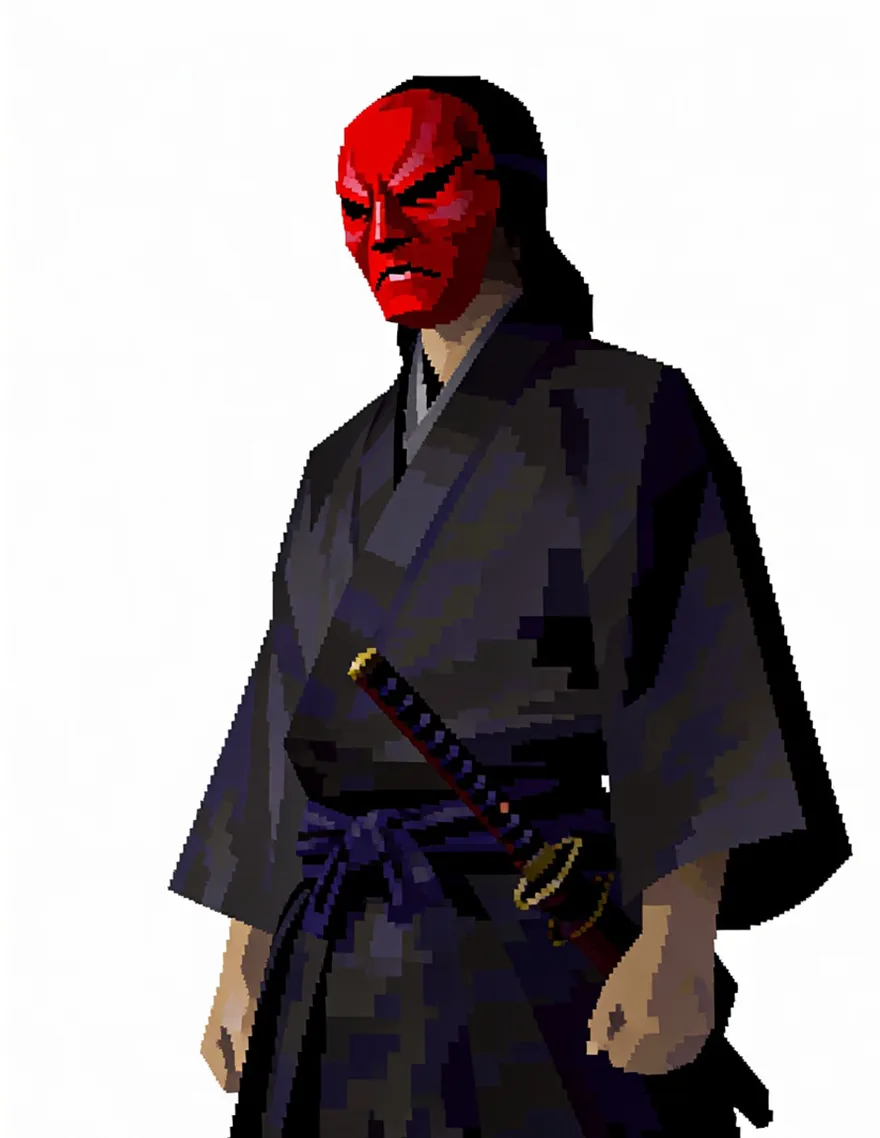
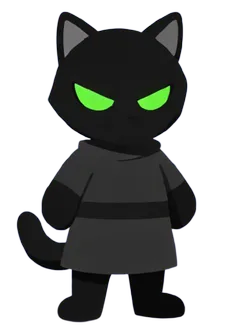
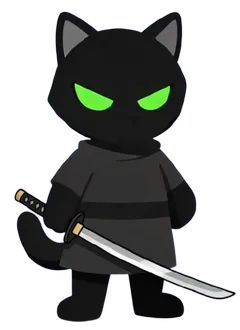
Input Precision edit
Change one detail and keep everything elseOne upload · four briefs
Four edits, one shot.
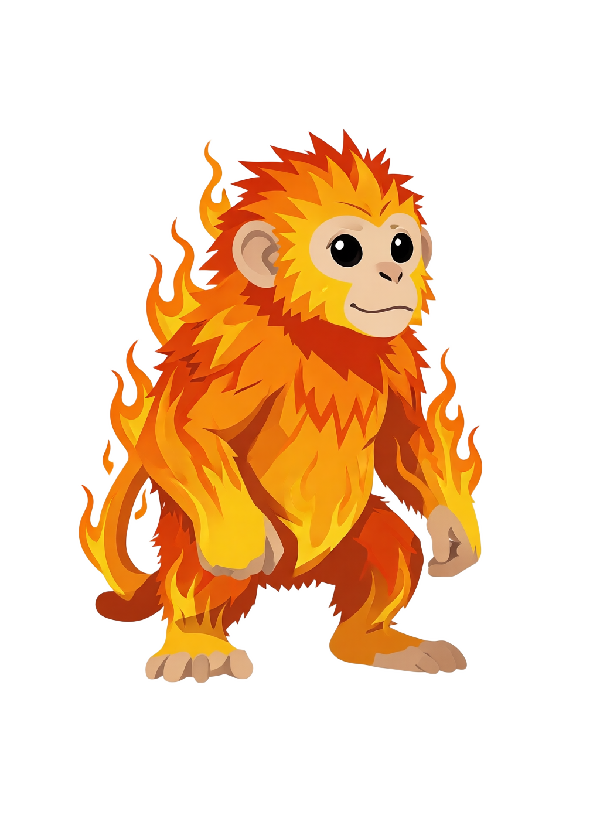
Result Input Four edits
Create a complete variation set in one shotWorks on anything
Cartoon. Anime. Photo.
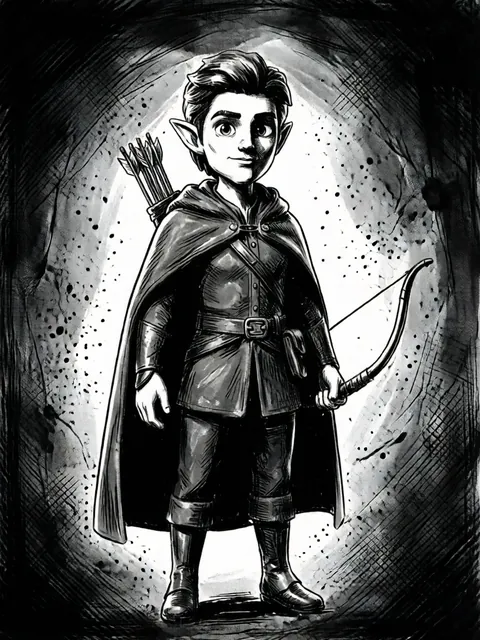
Result Input Style transfer
Move between styles without losing identityOne account
Eight tools. One character.
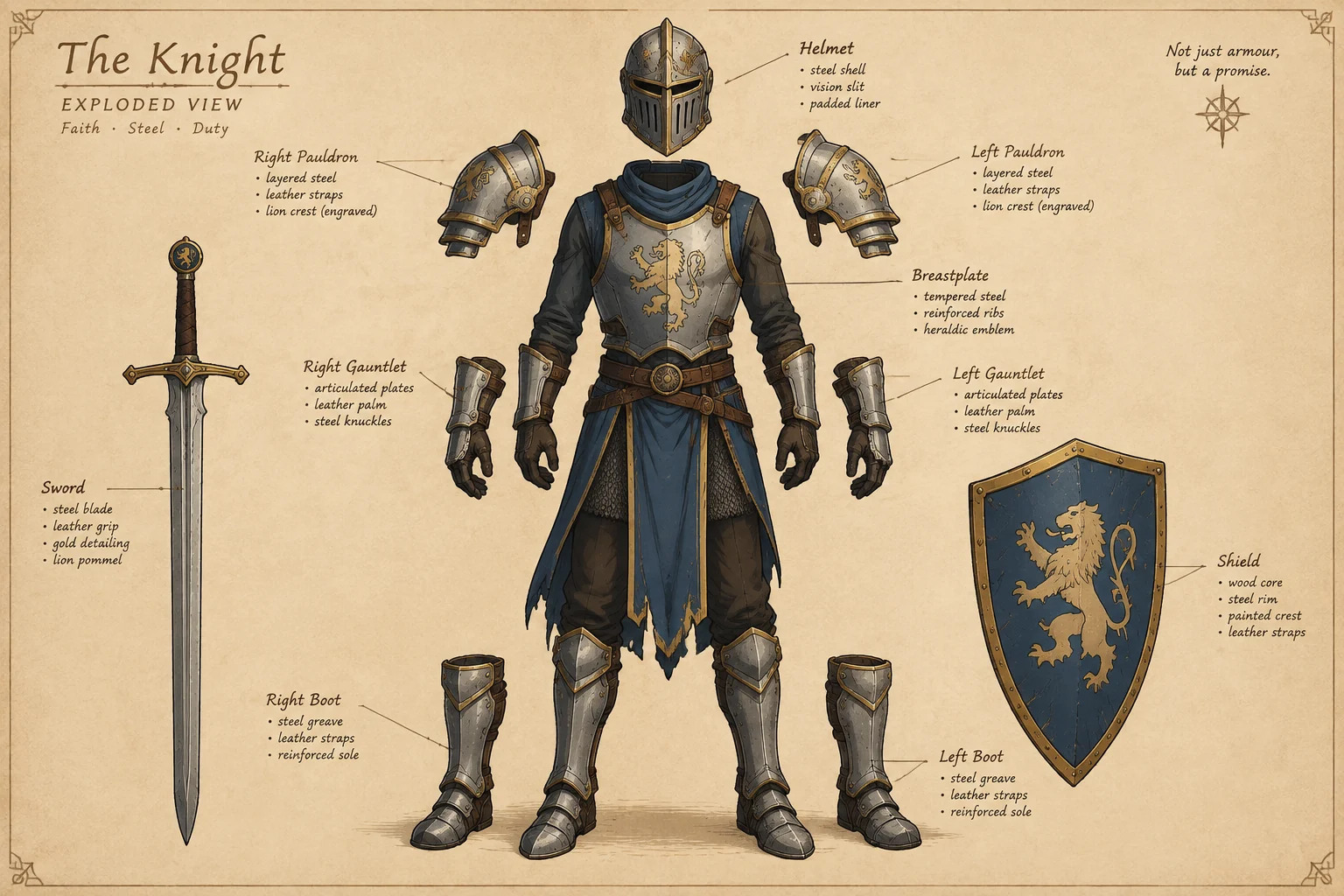
Result Eight tools
One character across the full toolsetEight camera positions
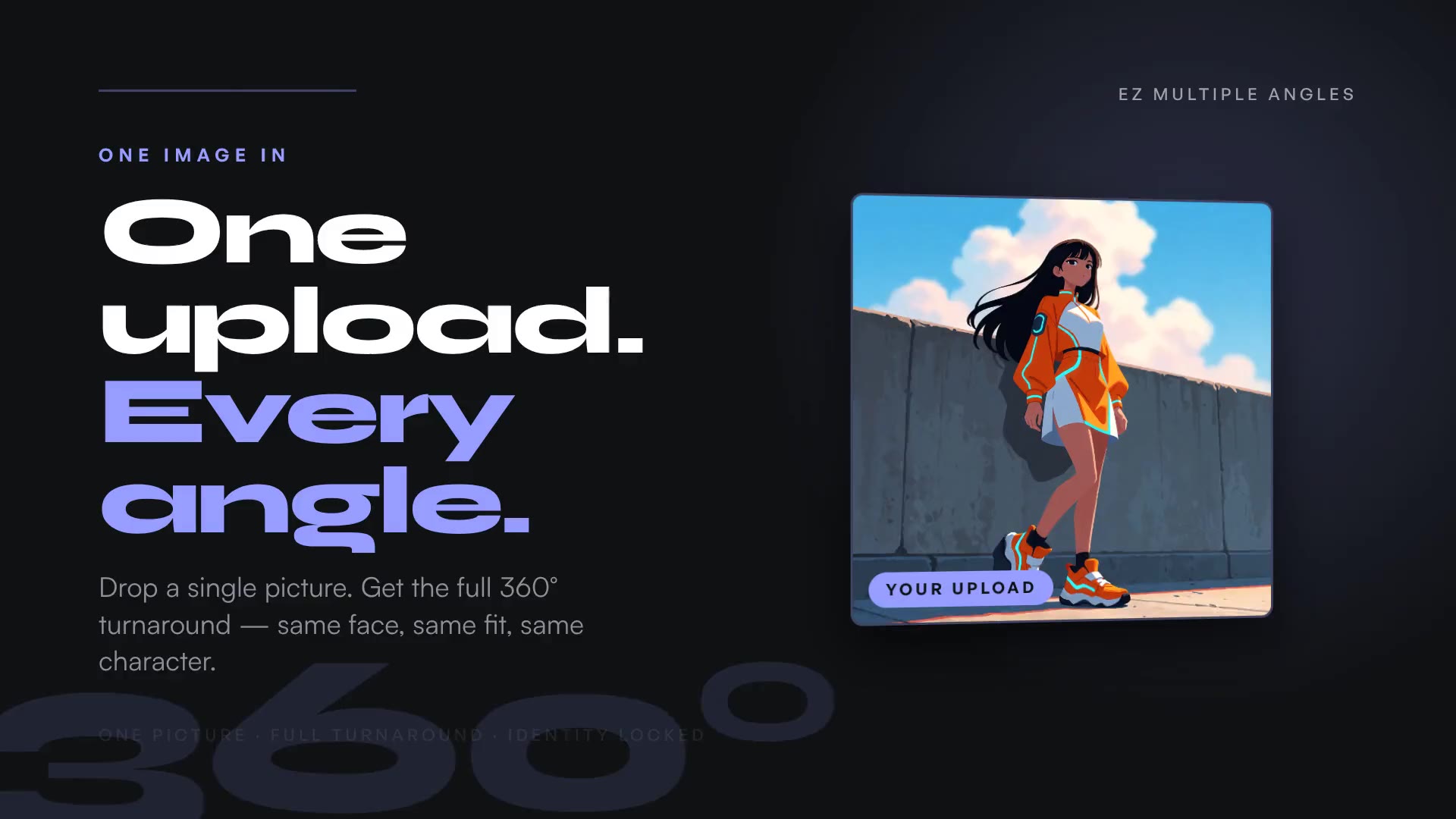
Every angle. One upload.
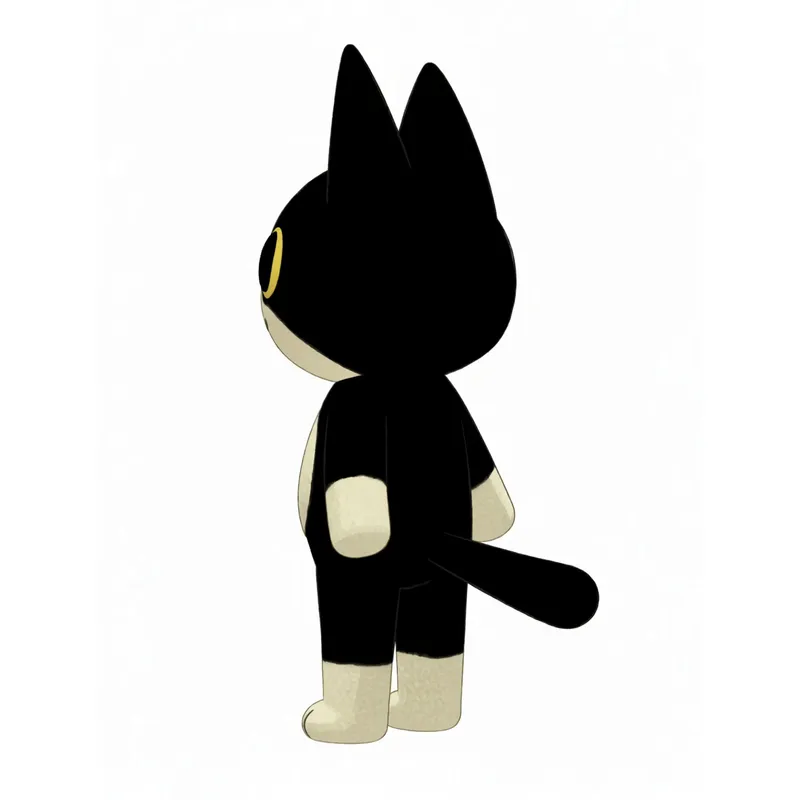
Result Input Every angle
One upload to a complete turnaroundRight · high · close
Any camera you want.
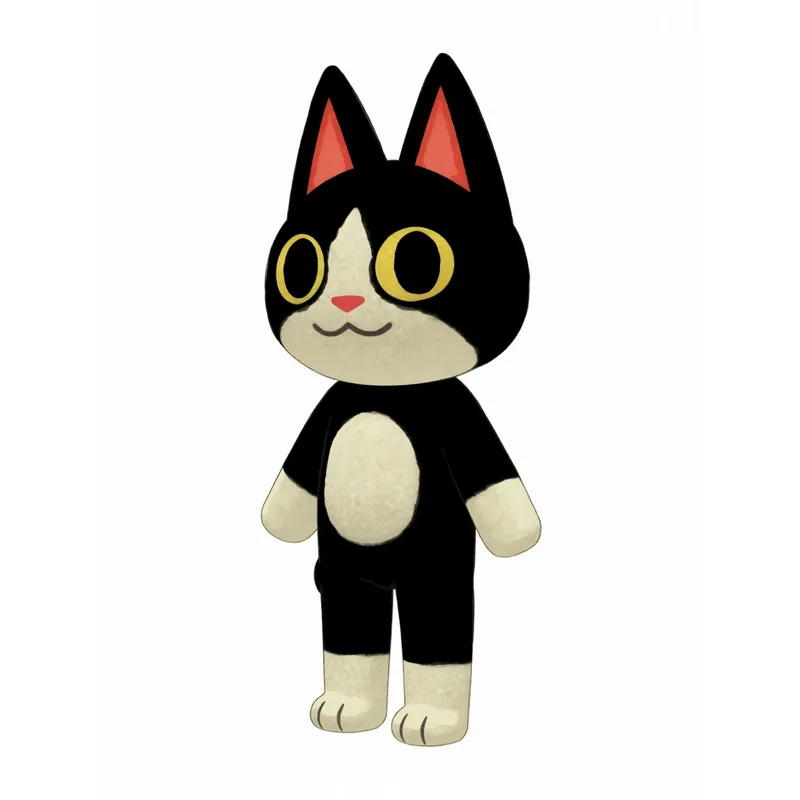
Result Input Any camera
Direct the setup, elevation and framingEight setups · no two alike
Or try random angles.
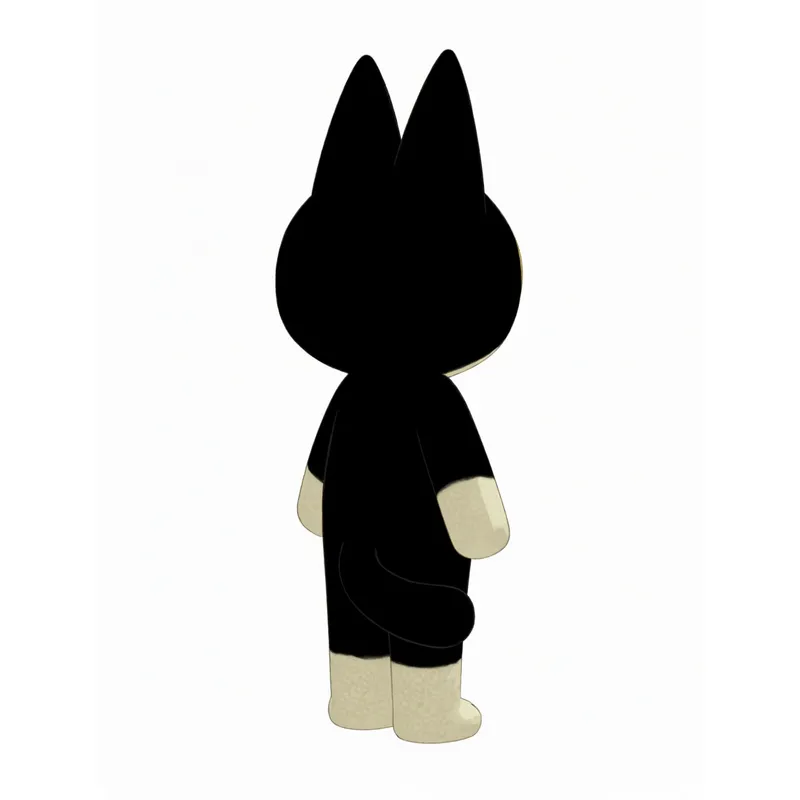
Result Input Random angles
Explore new views without re-promptingSame character
One of these is your upload.
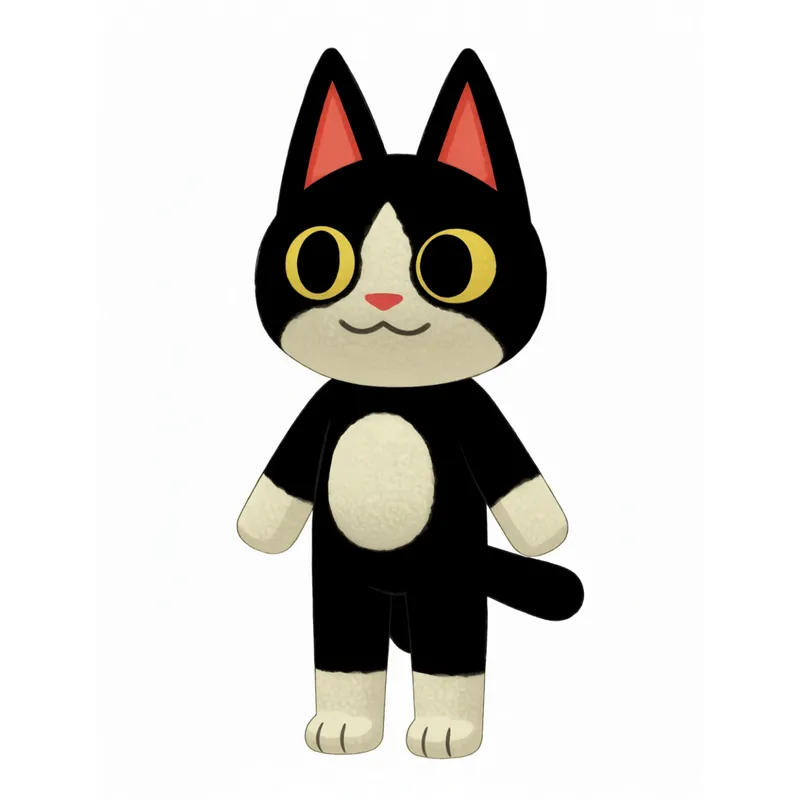
Result Input Identity locked
Keep the character recognisable in every shot
Run a workflow, not a tool.
Upload one character. Each workflow chains our tools so the result is still the same character at the end.
3-step workflow
One drawing to a full turnaround.
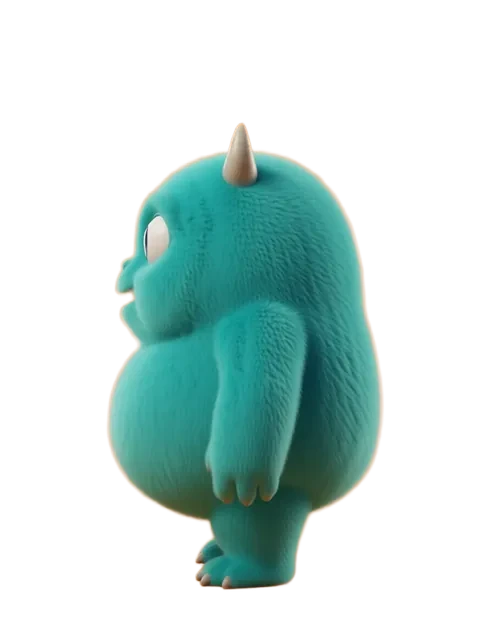
Result Input Turnarounds
Multiple Angles → Character Sheets → Upscale Start workflow3-step workflow
An expression pack for your mascot.
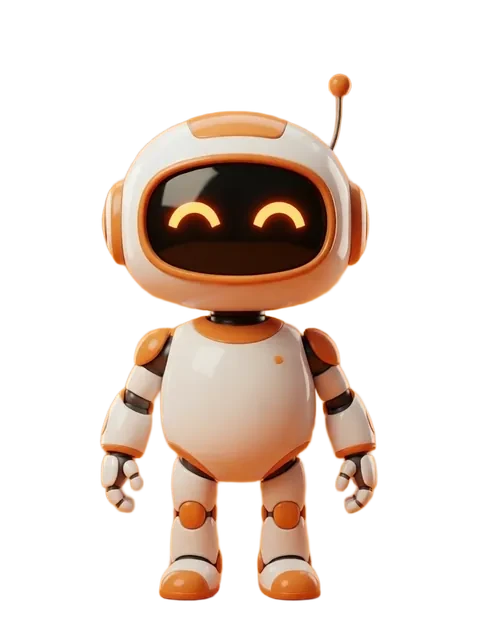
Result Input Expressions
Expression Sheet → Repose → Remove BG Start workflow3-step workflow
Action poses from one reference.
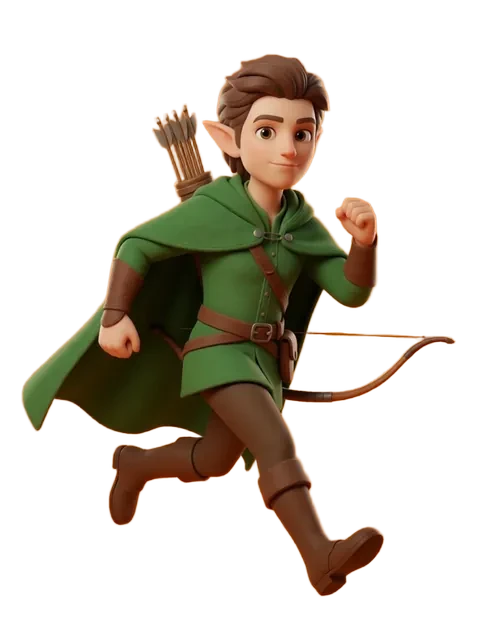
Result Input Poses & scenes
Repose → Action Poses → Scene Creator Start workflow3-step workflow
A chibi figurine line.
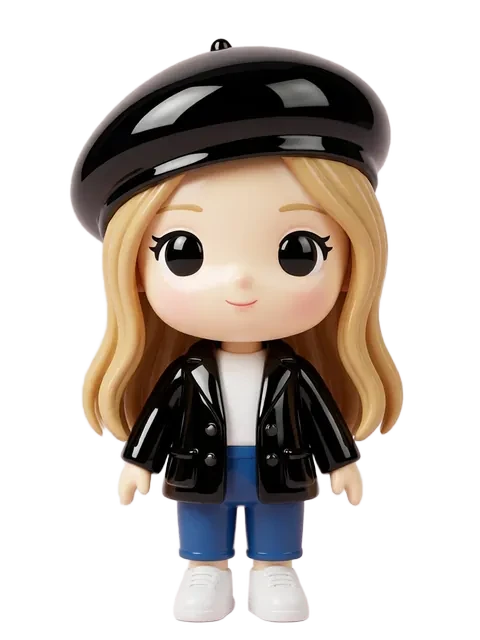
Result Input Merch & figurines
Chibi Generator → Object Swap → Outfit Variants Start workflow3-step workflow
Restyle without losing the character.
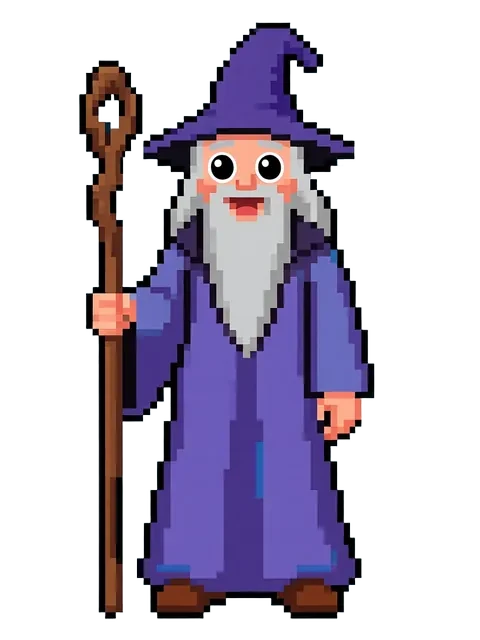
Result 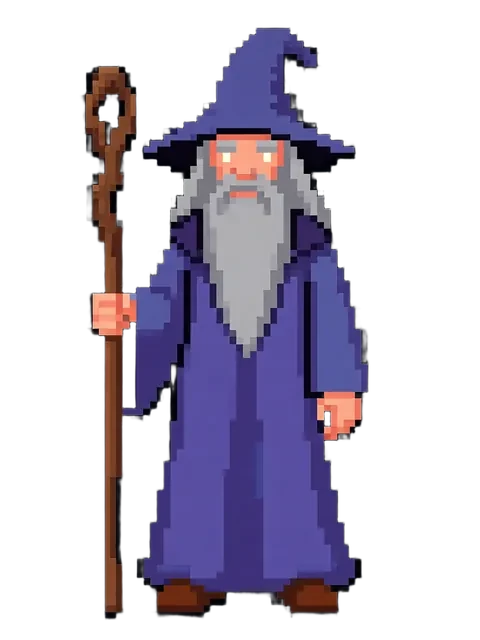
Input Style
Restyle → Multiple Angles → Character Sheets Start workflow3-step workflow
From a still to a transparent GIF.
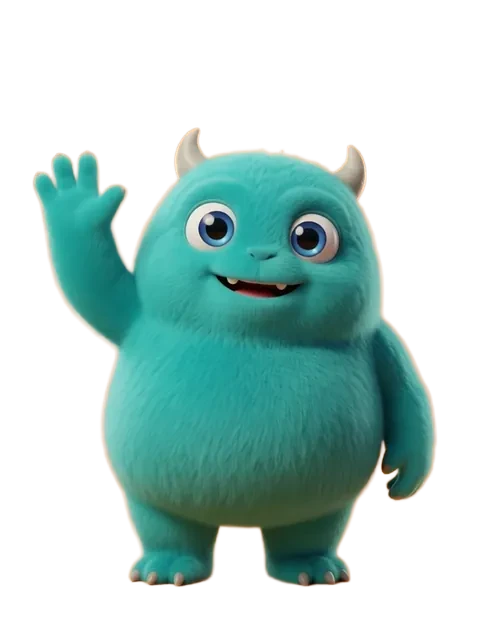
Result Input Animation
Animate → Video Remove BG → Video to GIF Start workflow
Specialized tools.
Character turnarounds, reference sheets, pixel sprites, and more — each tool does one thing perfectly.
NewImage · Edit by instruction
Say the change. Keep the rest.
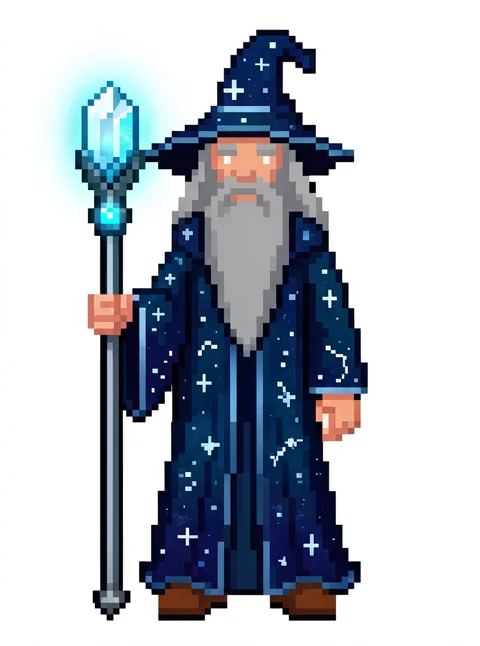
Result 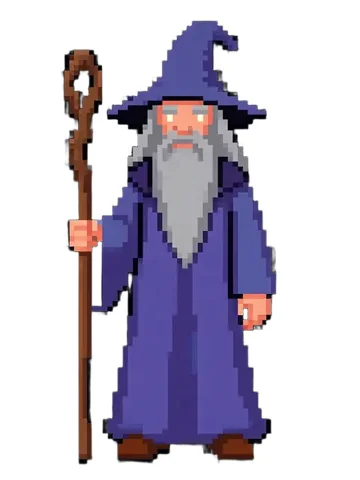
Input Krea 3
Edit an image by describing the change, or create one from text. Try itImage · Create, then refine
One prompt. Then refine it.
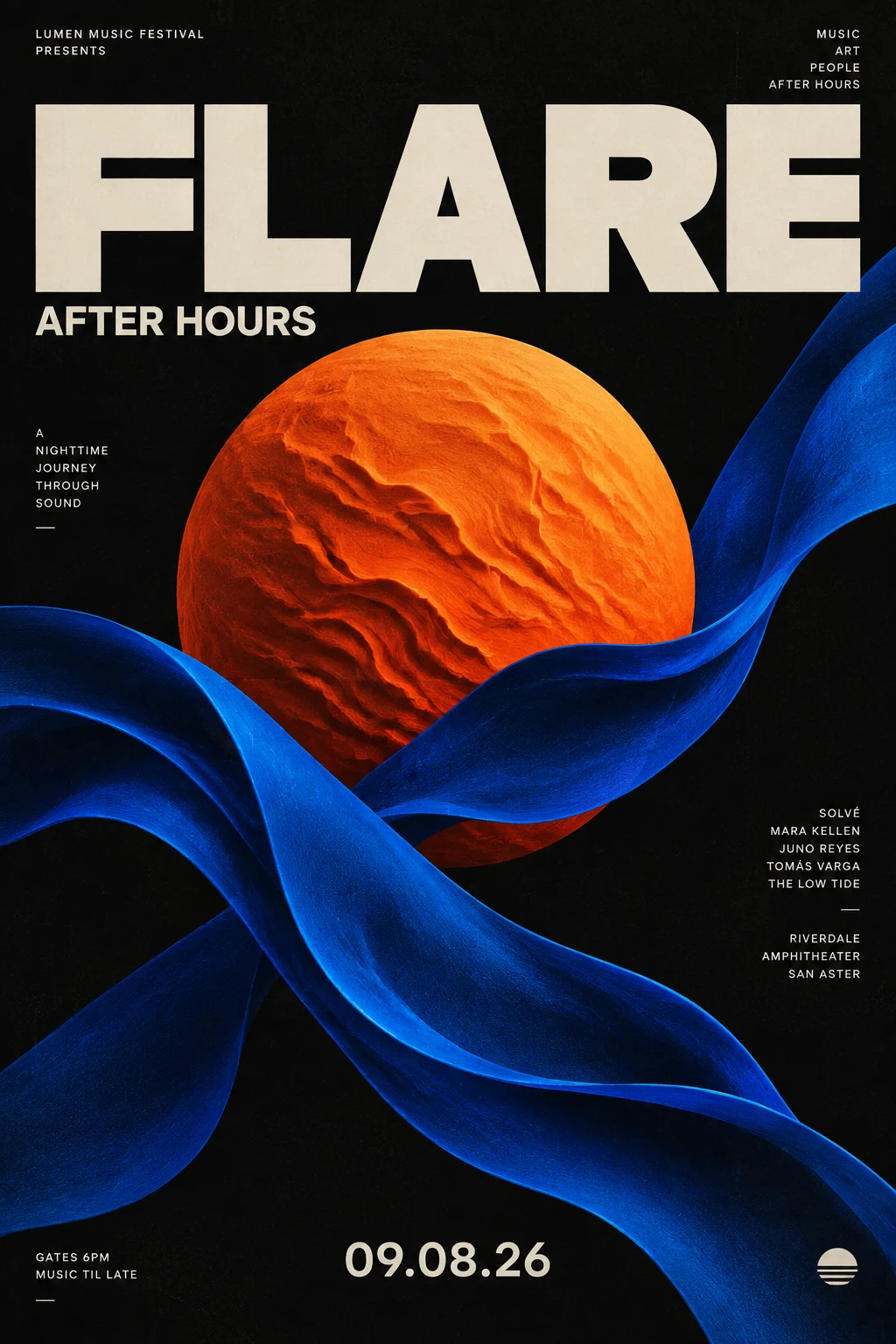
Result GPT Image 2.5 Flare
Create an image from a prompt, then refine it one instruction at a time. Try itImage · From a prompt
Describe it. Meet your character.
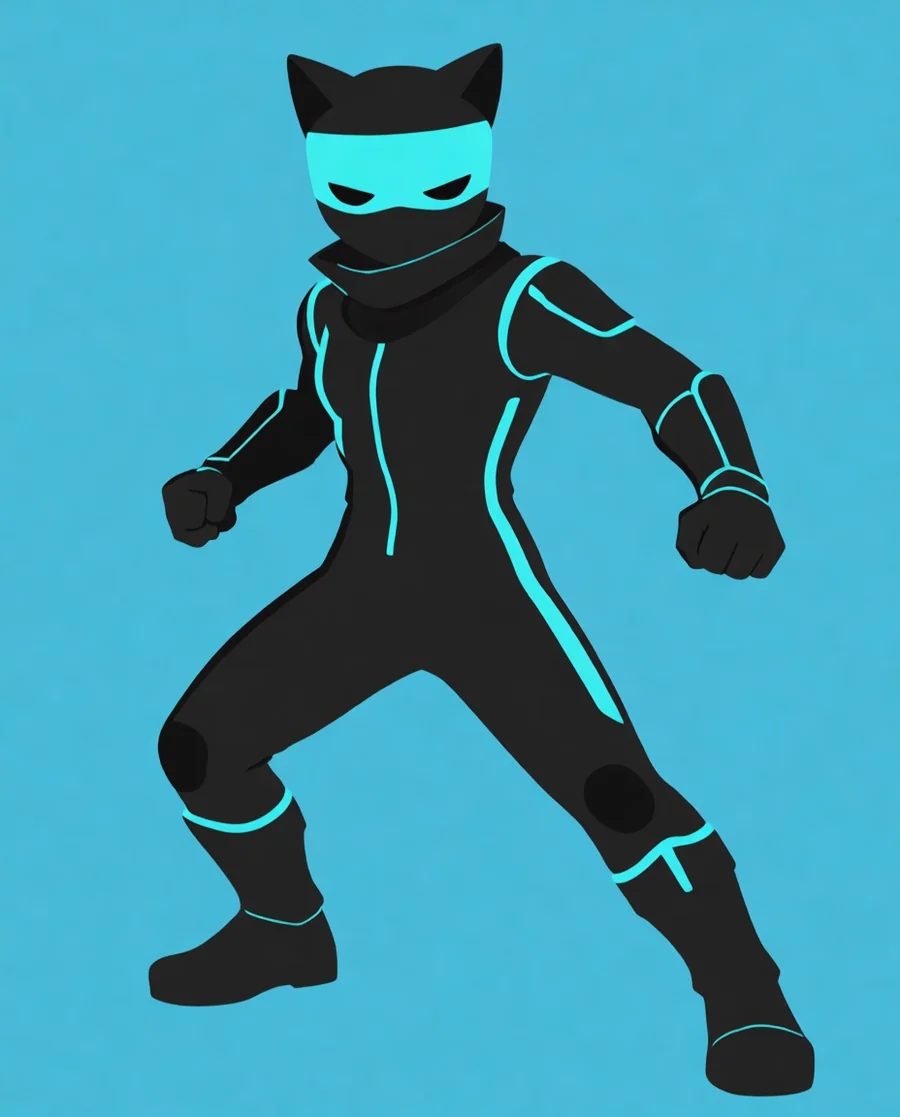
Result Text to Image
Create an original character from a text prompt. Try itImage · 1, 4 or 8 views
Every angle. One upload.
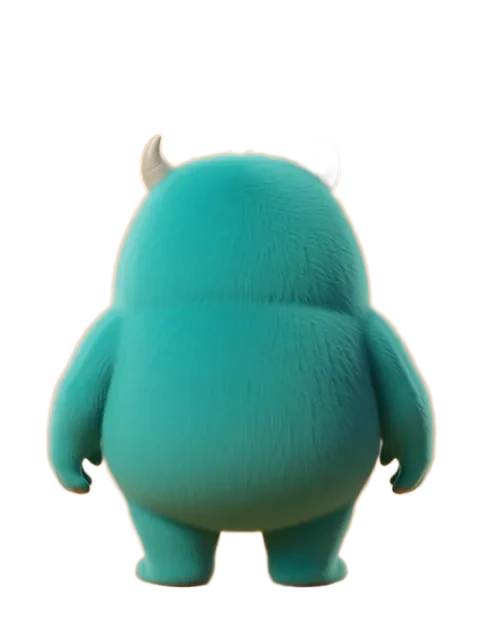
Result Input Multiple Angles
One upload to consistent views from every camera angle. Try itImage · Art styles
New style. Same character.
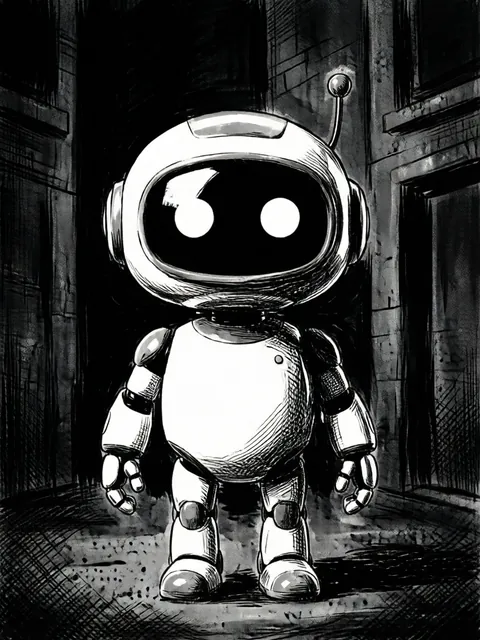
Result Input Restyle
Move between art styles without losing the character. Try itImage · Reference sheet
The whole character on one sheet.
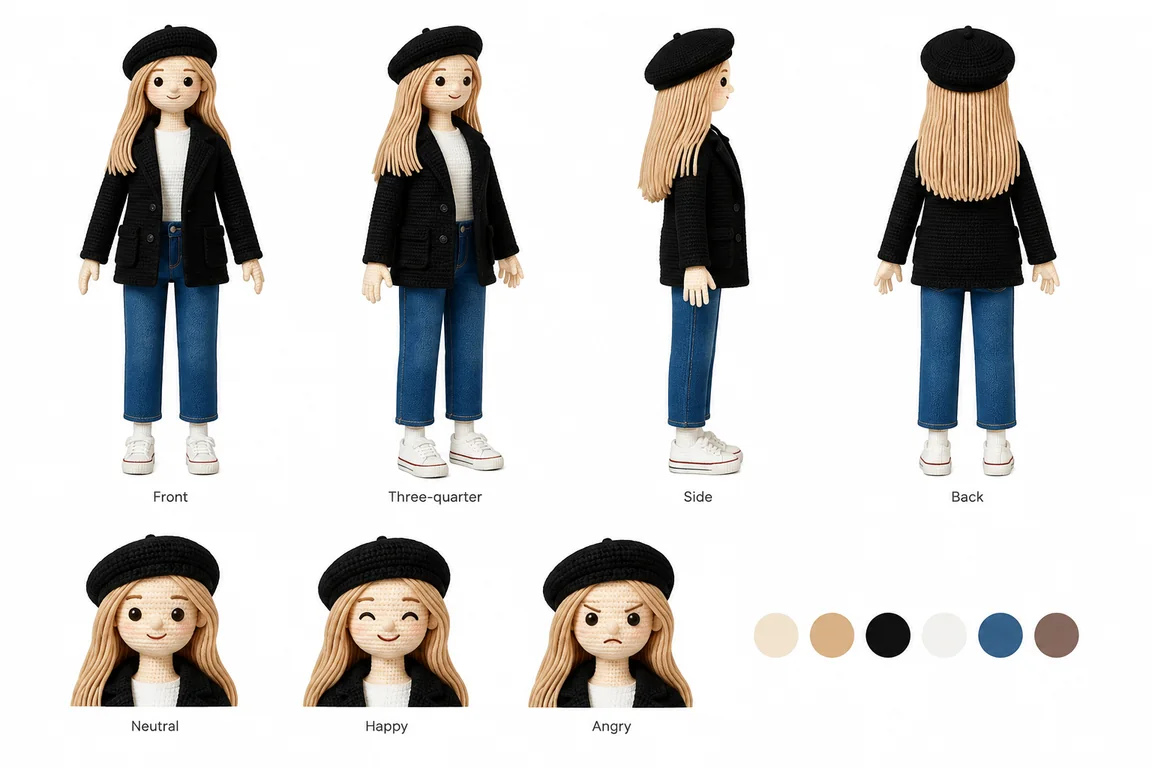
Result Character Sheets V2
One finished reference sheet with views, expressions and colours. Try it