40 free credits every month — sign up free, no card Get started
Edit a character, scene or image
1. Model
Model
9credits per generation

2 images + 2 animated clips included

2. Style / Look
PNG, JPG or WebP
Advanced
Speed

Fast edits. Switch to Normal for complex changes.
Edit a character
Upload an image on the left to begin
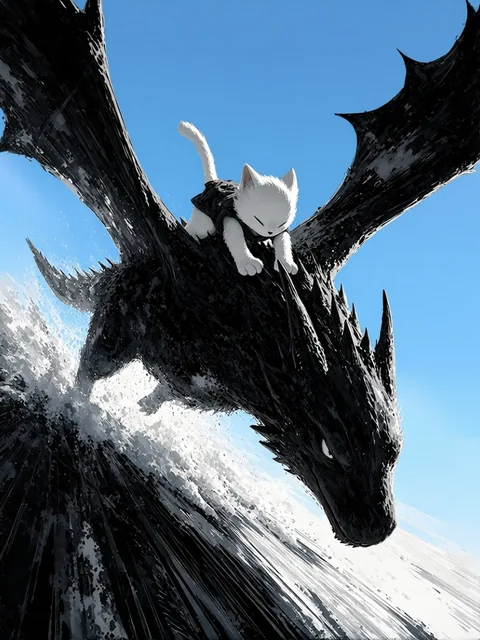
Rider on a black dragon under a grey stormy sky, before the edit
Before
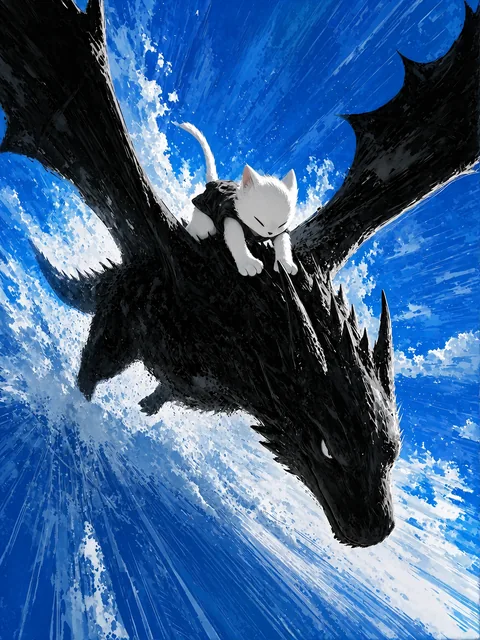
The same scene after the edit, the sky turned blue
Edit
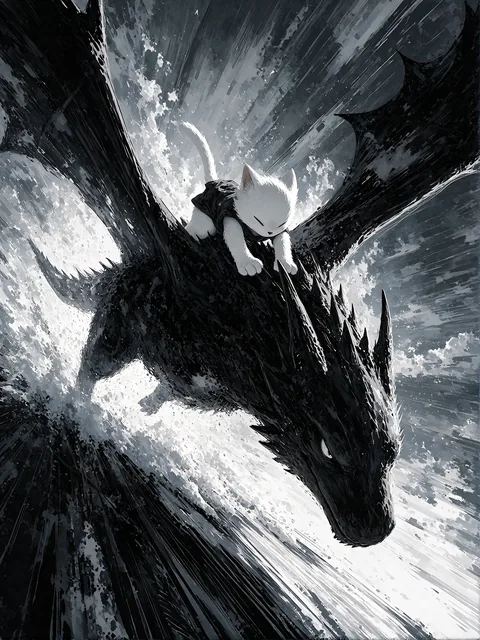
The same edit with 2-step enhance: a vivid blue sky with sharp clouds
+ enhanced
+ animated

One line: Change sky to blue

Sample edit
Previewing Sky

Describe any change. Keep everything else.

An AI image editor that follows a plain-text instruction. Each sample below is one real job and one line of text — "Change sky to blue" — with the pose, outfit and background coming through untouched. Re-run to refine, or stack one edit on the next.

EZ Image Edit · precision 03 sample edits
Prompt
Change from electric to fire monkey Change from electric to water monkey
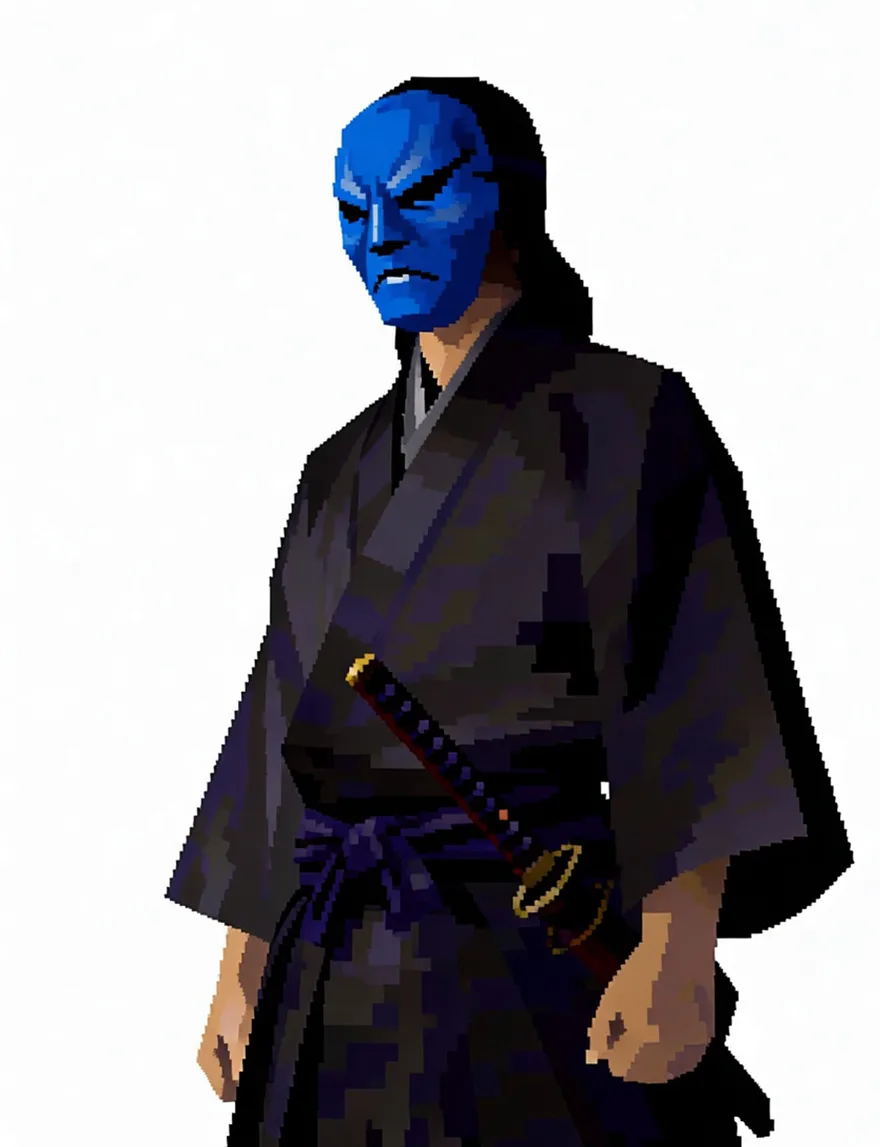
Pixel-art samurai after a one-instruction mask recolour — everything else unchanged

Describe the change — everything else stays put

Write the edit in plain English and the model changes exactly that. Identity is locked by default: face, outfit, colors and rendering style carry over untouched, so a wardrobe swap never becomes a new character.
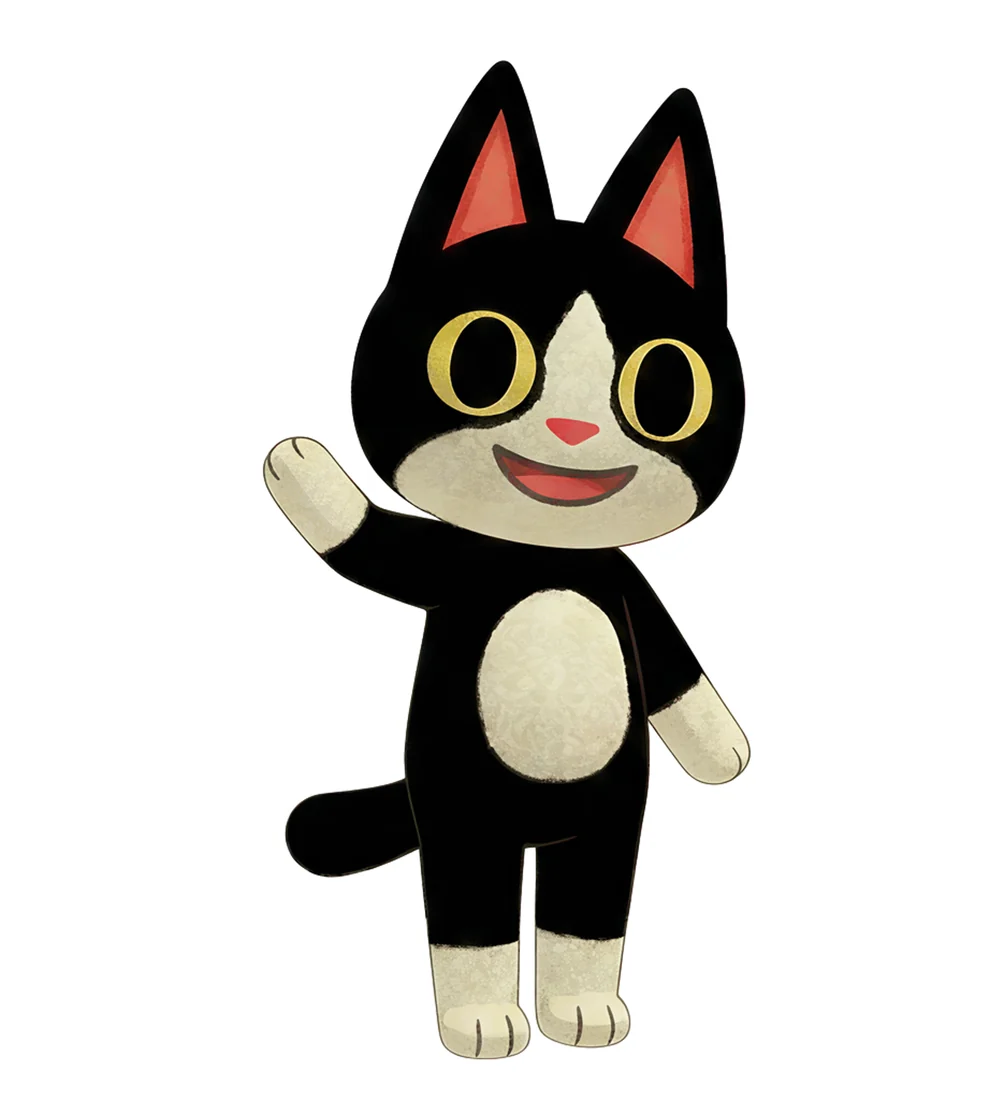
One of four Multi outputs — the uploaded character waving

Four different edits in one run

Multi mode takes one image and four quick briefs and returns four full-size results in a single generation — same character in every one. Write your own briefs or roll a random set of poses, emotes and views.

Open the character sheet generator →
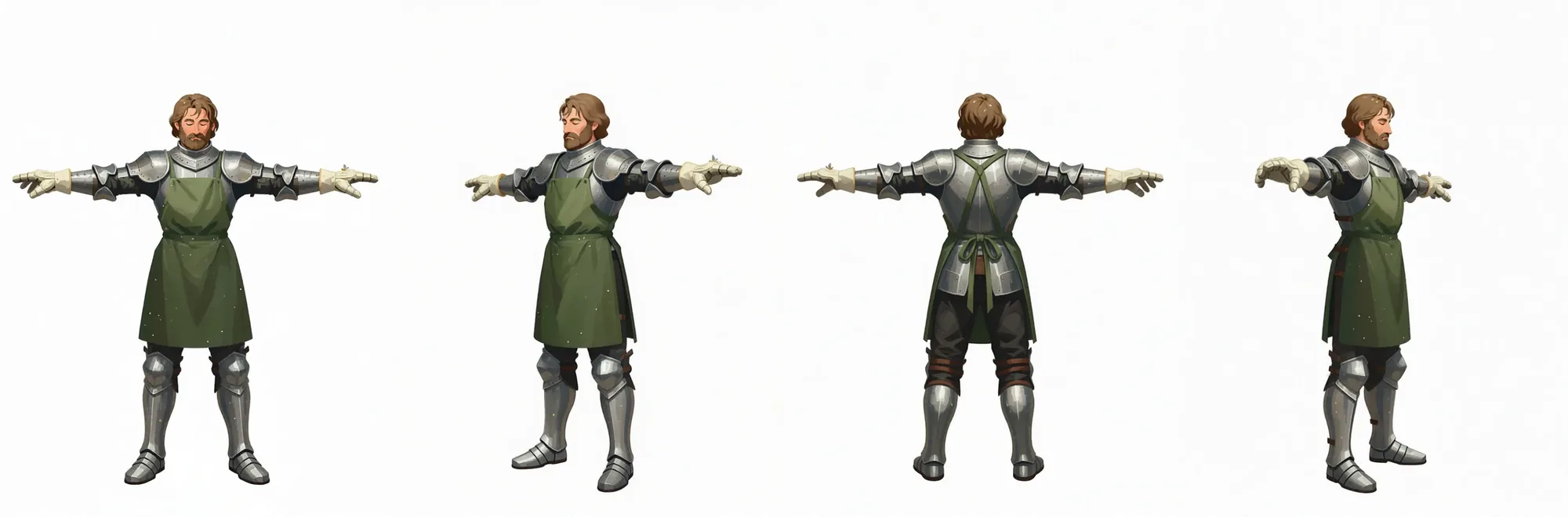
Combined turnaround sheet — T-pose, right, back and left views side by side

Or turn one image into a full turnaround

The turnaround pipeline renders a full-body T-pose from your upload first, then rotates that render into right, back and left views — four consistent full-size images plus a free combined sheet.

Qwen-Image-Edit-2511 — FAQ

What is Qwen-Image-Edit-2511?

Qwen-Image-Edit-2511 is an instruction-based AI image editing model: you give it an image and a plain-English instruction ("give them a red leather jacket", "turn this into a watercolor") and it returns an edited version. It's strong at preserving the subject's identity across edits, so you can change outfits, hair, expressions, props, backgrounds, or art style without losing who the character is.

How much does Qwen-Image-Edit-2511 cost here?

On EZ Character there's no API key and no setup — edits are charged per image in credits (Qwen Image Edit runs 8 credits per image; our house EZ Image Edit does the same job from 3 credits). Hosted inference providers typically bill Qwen-Image-Edit by the megapixel (around $0.03 per megapixel) before you even build a UI around it.

Do I need ComfyUI, a GPU, or an API key to run Qwen-Image-Edit-2511?

No. Everything runs server-side — open the page, upload an image, describe the edit, and generate. No ComfyUI workflow to wire up, no local GPU, no API token to manage. It works on any device with a browser.

What can Qwen-Image-Edit-2511 do?

Plain-English edits (outfits, hair, expressions, props, accessories, backgrounds), full art-style transformations (anime, watercolor, 3D, cyberpunk, cinematic), and one-click multi-angle turnarounds of a single character. Identity-lock is on by default for faithful edits; switch to Free-form for radical reimaginings.

How do I get the best results from Qwen-Image-Edit-2511?

Upload a clear, well-lit subject and describe one change at a time in concrete terms. Keep identity locked for wardrobe/accessory/expression tweaks; switch to Free-form for style swaps and "this character as X" transforms. Generate a few variations (2–8) and pick the best.
Activity
Recent Jobs

Your recent jobs show up here

Sign in to start — 40 free credits every month, no card.