
4 images included
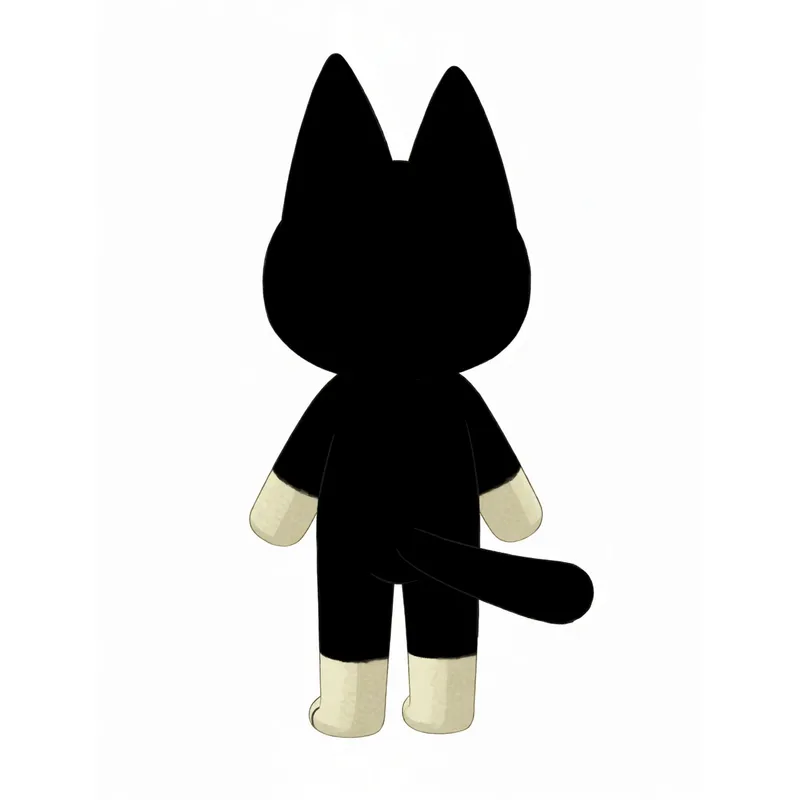
Front, right, back, left — four separate generations
Keeps your image’s crop and zoom — best for portraits and headshots.
EZ Multiple Angles — identity-locked, one full generation per angle on a clean white background. Delivered one by one as each finishes.
Advanced
No advanced settings for this tool.
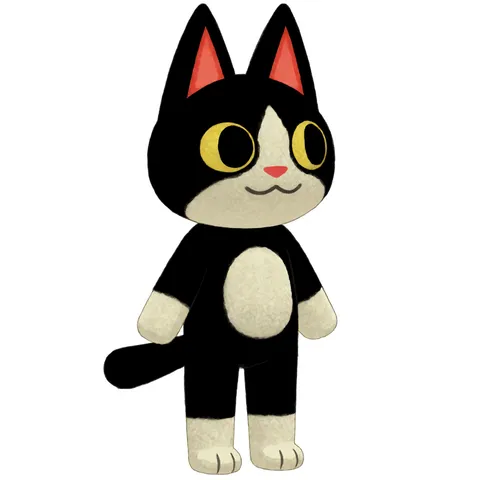
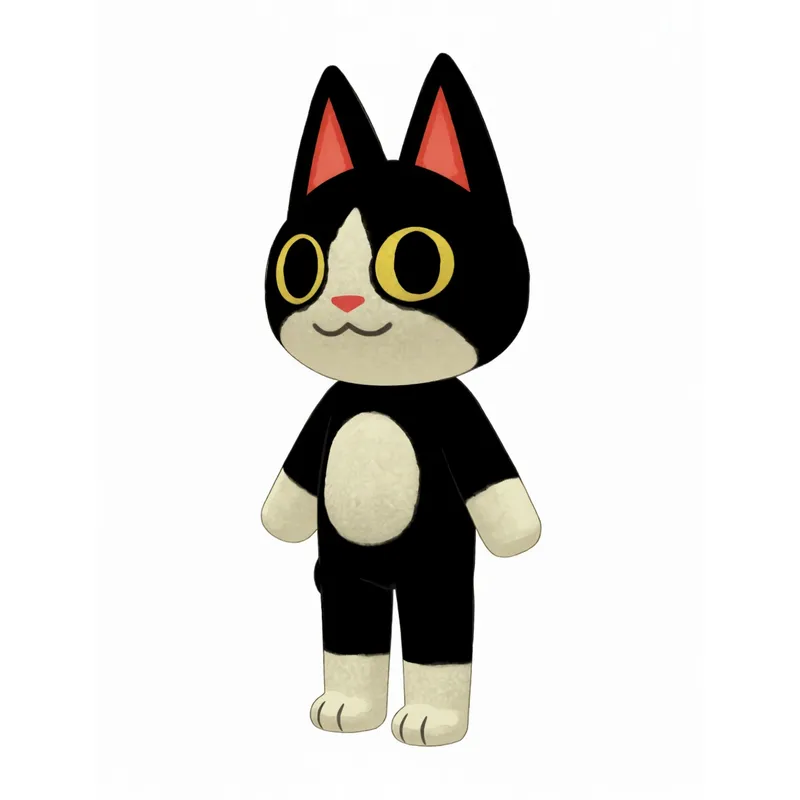
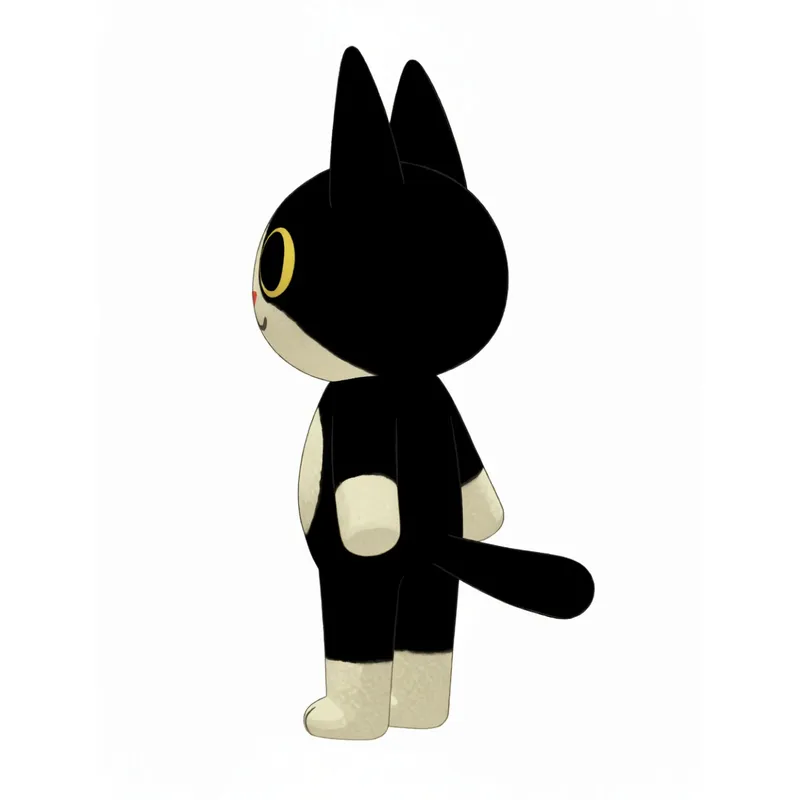
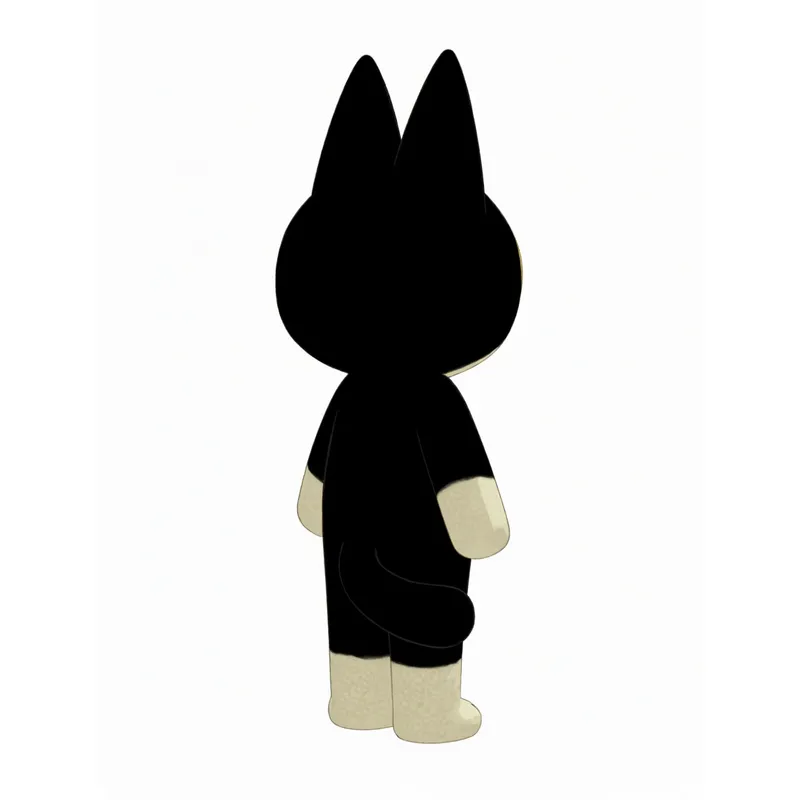
Every angle of your character or scene.
A character turnaround generator: upload one image and get eight separate full-quality views — front, sides, back and the quarter turns between them, identity locked on clean white. Reference-sheet angles without redrawing a thing.
Multiple Angles
One image in — up to eight consistent views out. Every angle is its own full-quality generation on a clean white background.
Eight separate full-quality views from one upload
Upload one image of a character and get up to eight views back. Each angle is its own full-quality generation rather than a cell sliced out of a contact sheet, so every view gets full resolution — and they arrive one by one as they finish.
Identity locked, on a clean white background
Every view is an identity-locked edit of your original image, so the face, colors, outfit and proportions carry across. Turnaround walks a full 45-degree rotation; Random Angles rolls fresh camera angles, so generating again rerolls them. Outputs land on clean white, ready for character reference, modeling or animation prep.
Want the views combined into one sheet?
Multiple Angles delivers each view as its own image and never combines them. The character sheet generator takes the other route: it renders a full-body T-pose from your upload first, rotates that into right, back and left views, and delivers a combined sheet alongside the four full-size images.
Character sheet generator →Multiple Angles — FAQ
What does Multiple Angles do?
How consistent is the character across angles?
What do I get from a Turnaround?
What images work best?
Can I add my own styling?
Your recent jobs show up here
Sign in to start — 40 free credits every month, no card.