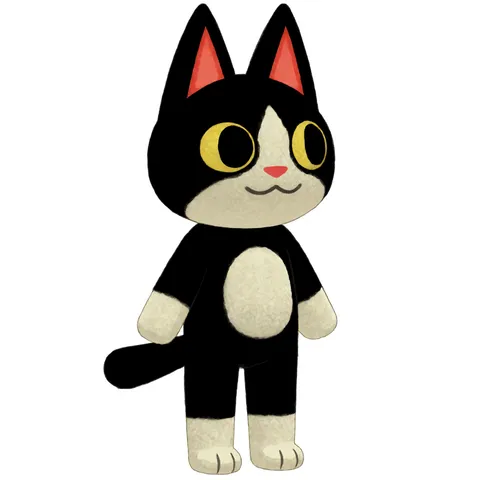
Give a character image a short movement or performance.
Upload imageStarting frame
01
Choose your character
Upload a clear character image to use as the start of the animation.
MotionWave hello
Duration3 s
Resolution720p
Output settings
02
Describe the movement
Write what the character does and choose the available clip settings.
Ready to reuse or extract a frame
03
Watch the animation
Preview the clip, download it or reuse a frame in another tool.
Your results stay available in All history and All recent jobs.
EZ Video
Animate a Character or Scene From One Image
Upload one image — a character or a full scene — describe a motion (or pick a preset), and create a polished short animation. Choose Simple for expressive actions or Loop for motion that closes seamlessly back to the first frame.
✦
EZ Video Simple
Quick character gestures and expressions with a natural ending.
↻
EZ Video Loop
Subtle repeating motion designed to cycle without a visible jump.
One image in. No timeline, keyframes, last-frame upload, or animation experience required.
EZ Video — FAQ
What does EZ Video do?
One character image in, a short animated clip out. Describe the motion in your own words or pick a preset: Simple is for expressive one-shot gestures, while Loop is for motion that cycles seamlessly.
How long are the animations?
You choose 1–5 seconds, with 3 seconds as the default. With audio-driven models, the clip follows the audio length instead.
Can I type my own motion?
Yes. The Motion box at the top takes free text such as “waves both arms and jumps with excitement”; presets are optional shortcuts.
What are the different EZ Video models?
Simple handles one-shot gestures, Loop creates seamless cycles, F2LF animates between a start and end frame, Sound creates audio-conditioned motion, and Studio puts all controls on one surface.
What is Draft quality?
Draft is a faster render at a steep per-second discount, available to every paid subscriber. It is great for iterating before a final Standard render.
How is it billed?
Billing is per second of output at the rate shown in the cost chip before you generate. The exact total is displayed up front, so there are no surprises.
What image works best?
A single clear character image works best. Clean backgrounds animate most cleanly, and you can prepare one with Remove BG first.