
1 image included
Choose your style
25 looksPlayStation 1 selected · add optional details below.
Advanced
No advanced settings for this tool.
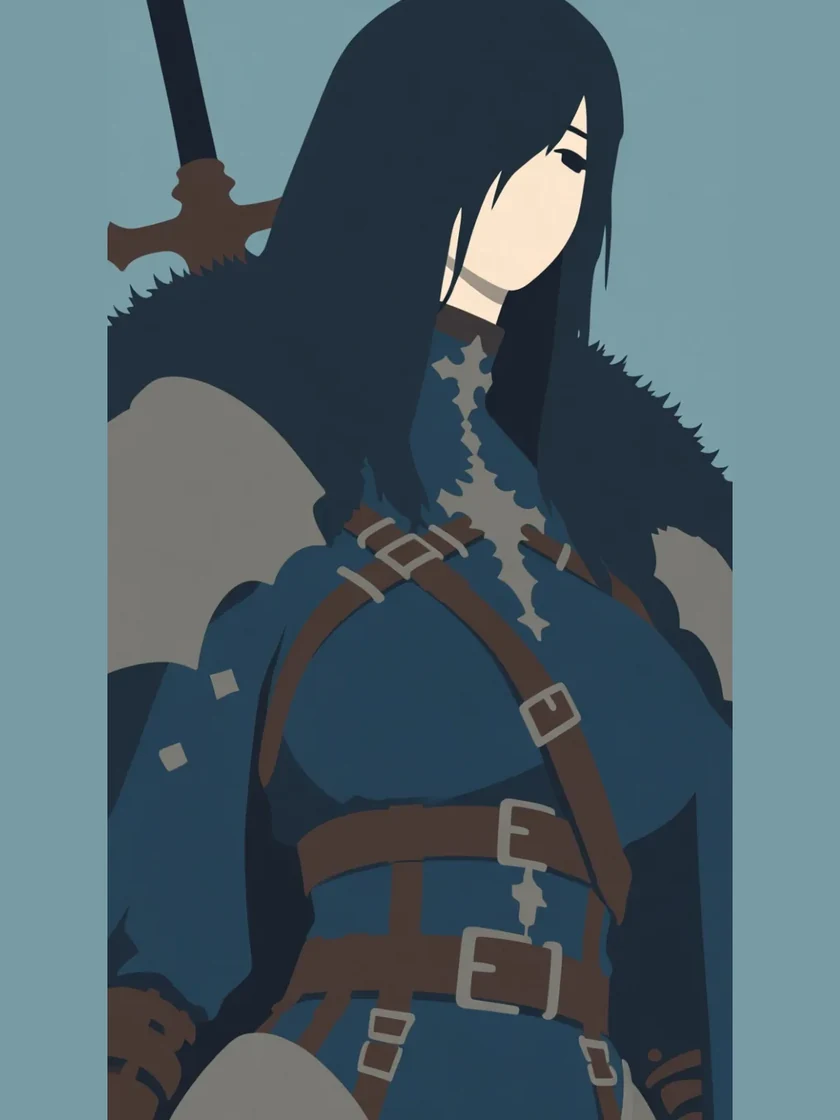
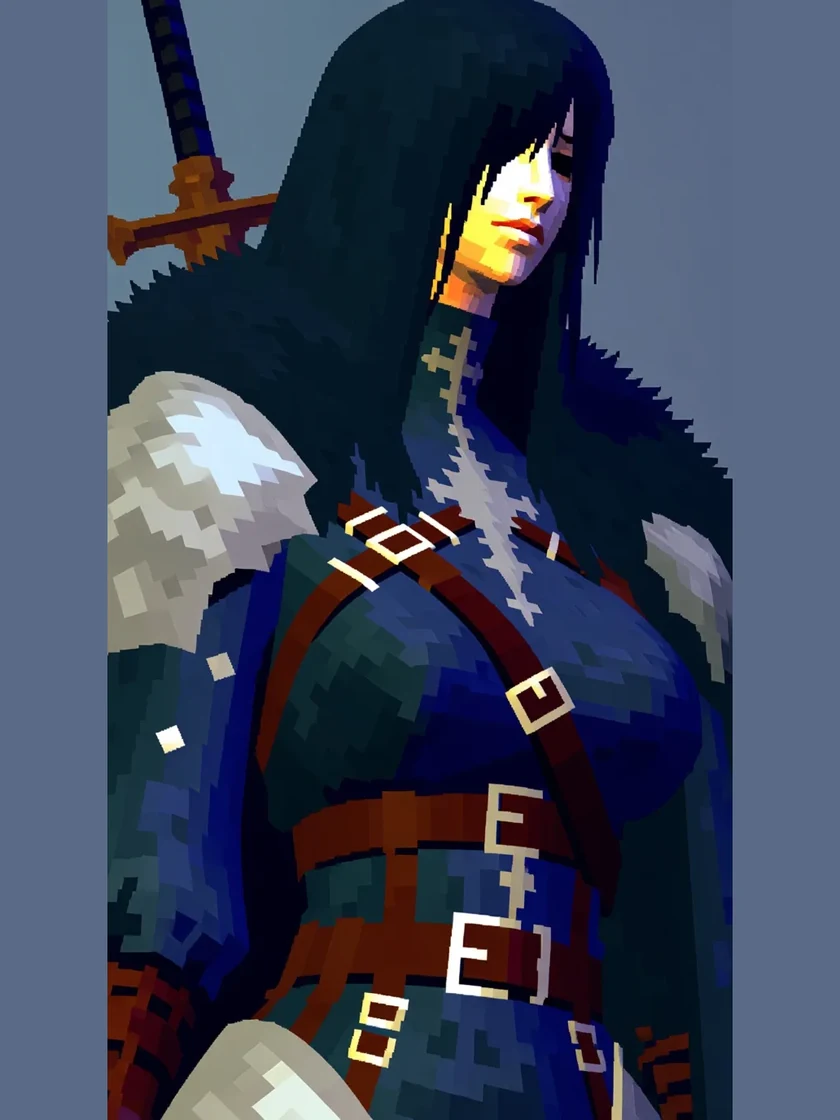
Restyle any image into EZ PSX Retro.
Turn any photo, drawing or 3D render into retro PS1-style graphics. An AI PSX filter and low-poly character generator that keeps the detail — classic 90s console texture, straight from your image.
Restyle — Convert Any Image Into a New Art Style
One image, a whole new look. Choose from 25 art styles or describe your own — GPT Image 2.5 Flare handles the restyle.
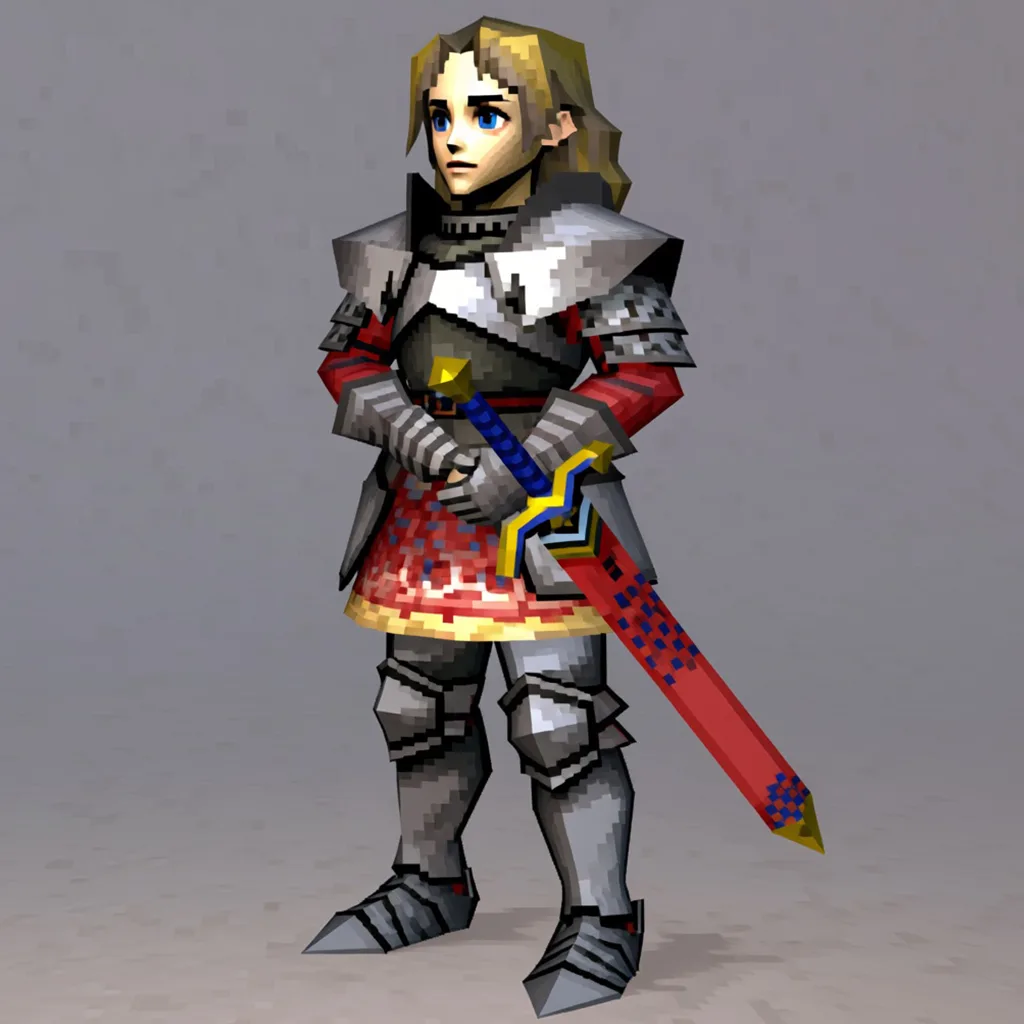
Restyle any image into EZ PSX Retro.
Turn any photo, drawing or 3D render into retro PS1-style graphics. An AI PSX filter and low-poly character generator that keeps the detail — classic 90s console texture, straight from your image. Same pose, armour and sword — sketch lines become polygons, colour hints become textures.
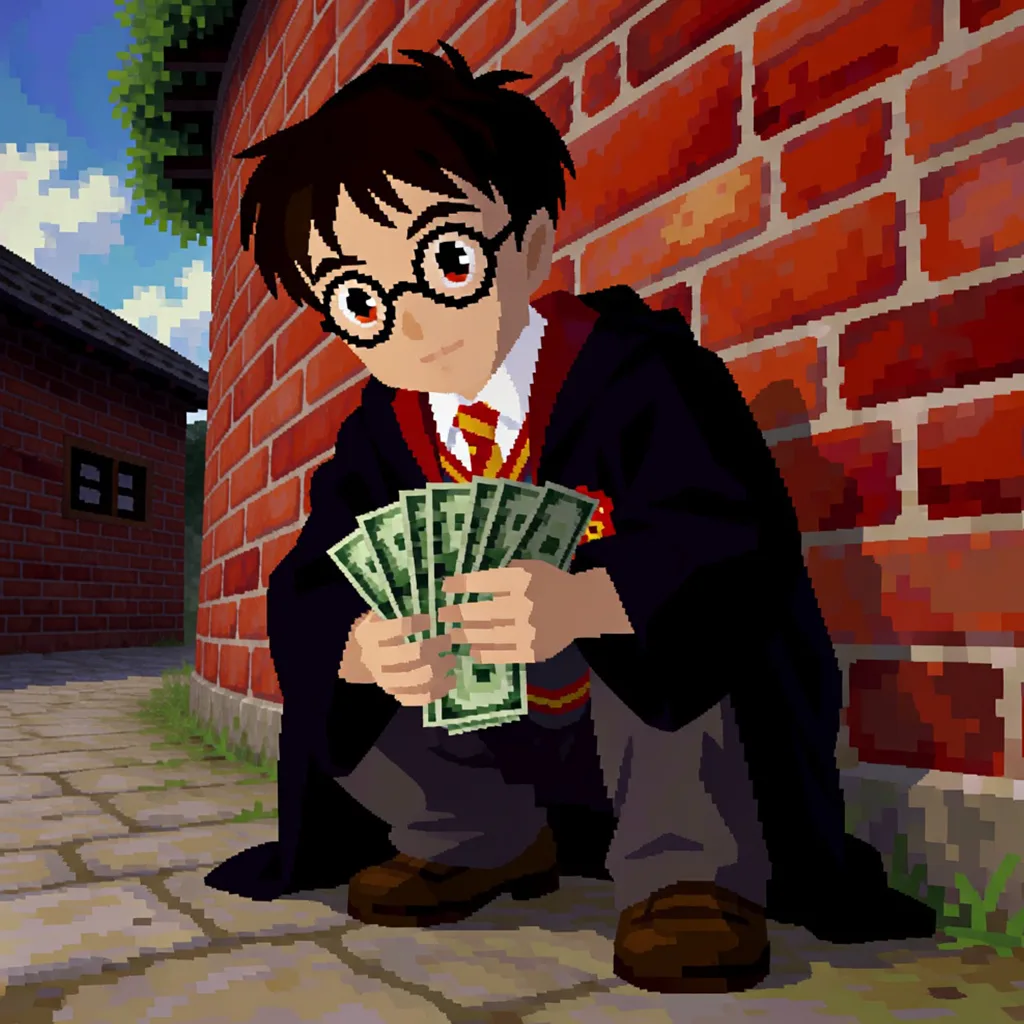
Restyle any image into EZ PSX Blocky.
Turn any photo, drawing or 3D render into PS1-style graphics. A low-poly AI character generator that recreates real 90s console looks — blocky models, low-res textures and hard vertex lighting, straight from your image. Robe, glasses and the fan of notes all read at polygon resolution — brick wall included.
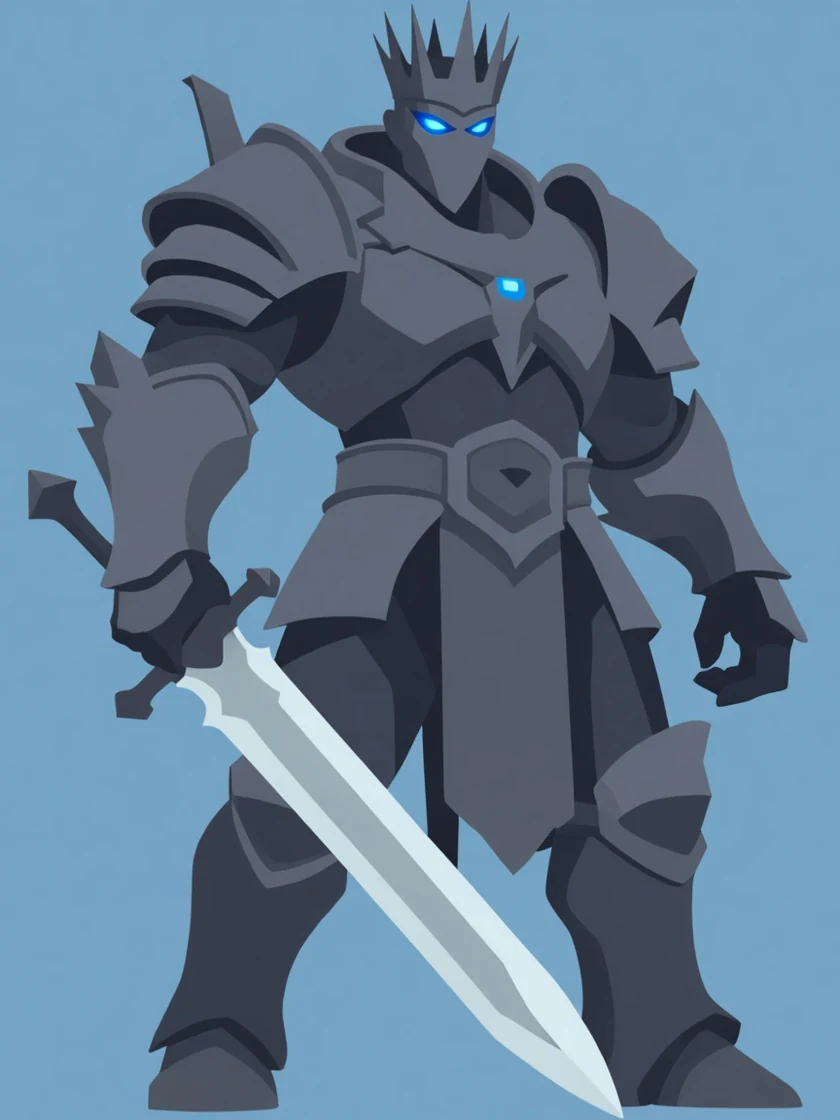
Restyle any image into flat colour cartoon.
Turn any photo, drawing or render into clean flat-colour cartoon art. A vector-style AI illustration generator that flattens shading into solid blocks of colour while the character stays exactly who it was. Same crown, glowing eyes, spaulders and greatsword — gradients and specular highlights collapse into solid blocks, and nothing else moves.
Restyle — FAQ
What does the Restyle tool do?
What are the featured style cards?
Can I restyle into something that isn't a featured card?
Will it keep my character recognizable?
How many images does each restyle create?
What file types can I upload?
Your recent jobs show up here
Sign in to start — 40 free credits every month, no card.