
1 image included
Choose your style
25 looksBlocky PSX selected · add optional details below.
Advanced
No advanced settings for this tool.
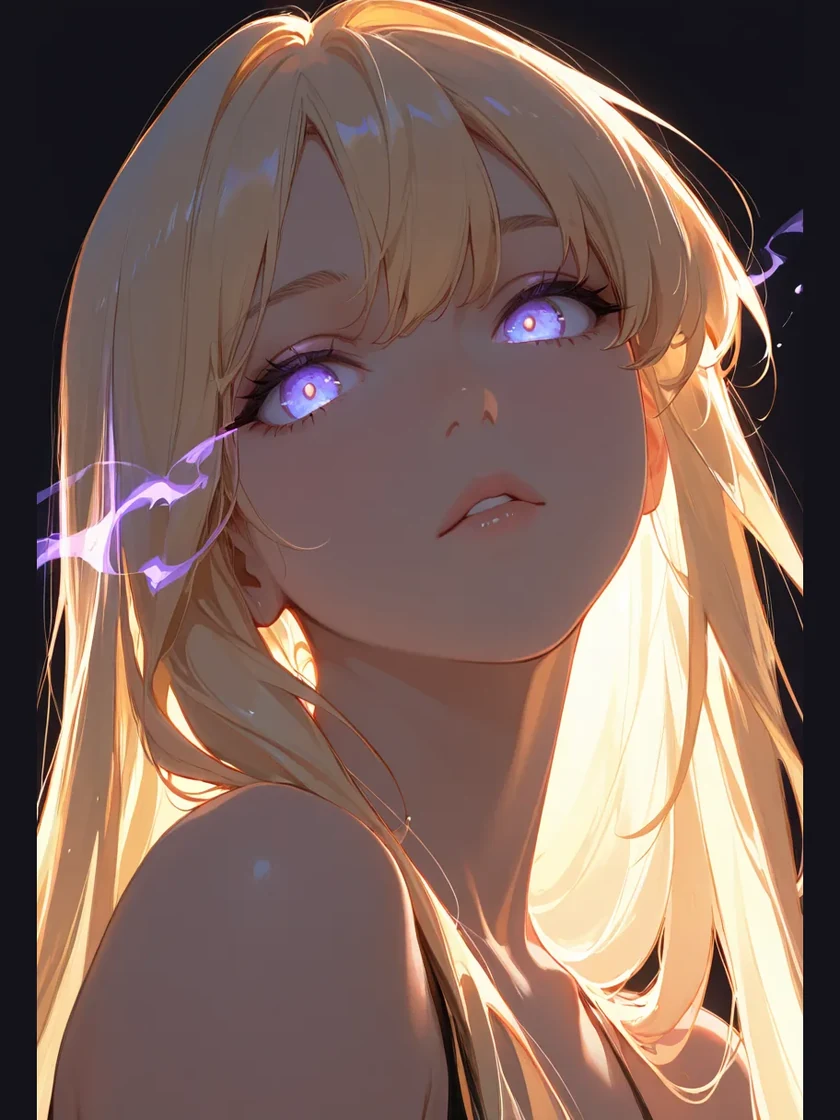
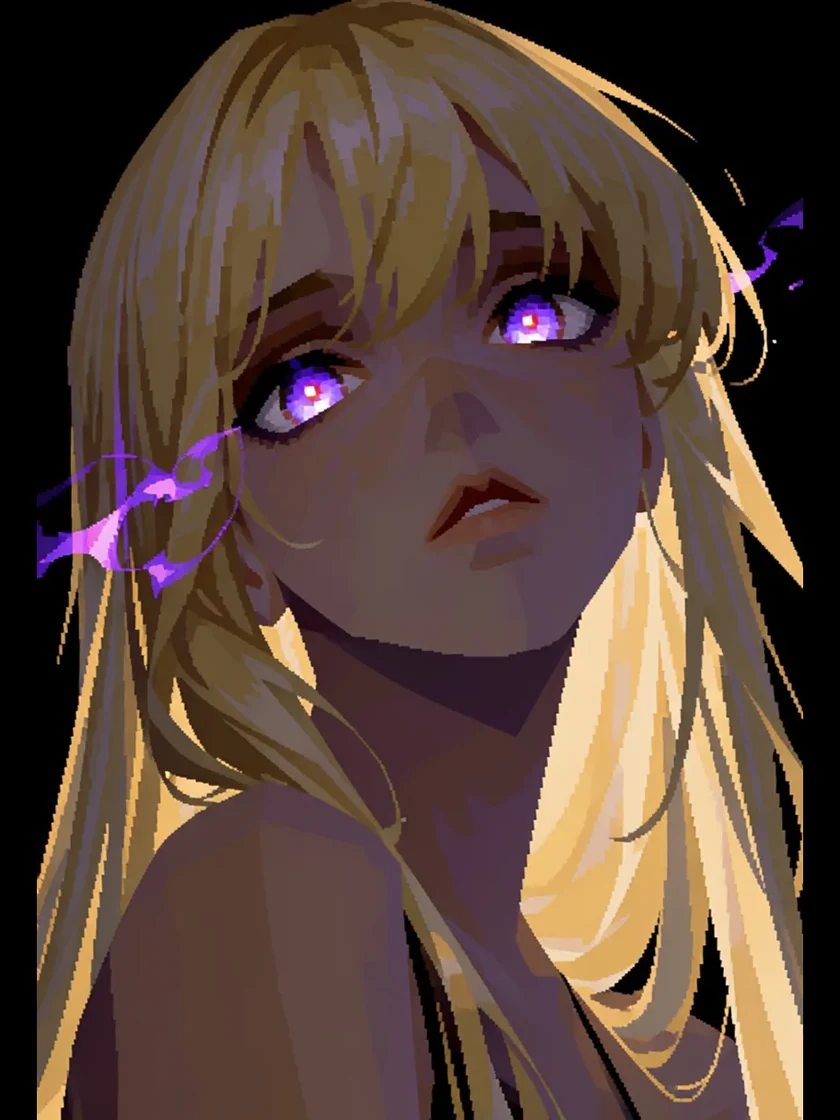
Restyle any image into EZ PSX Blocky.
Turn any photo, drawing or 3D render into PS1-style graphics. A low-poly AI character generator that recreates real 90s console looks — blocky models, low-res textures and hard vertex lighting, straight from your image.
Image to PSX Converter — Low-Poly AI Character Generator
Upload a photo, sketch or 3D render and give it a PlayStation-era look with GPT Image 2.5 Flare: chunky polygons, low-resolution textures and retro lighting.
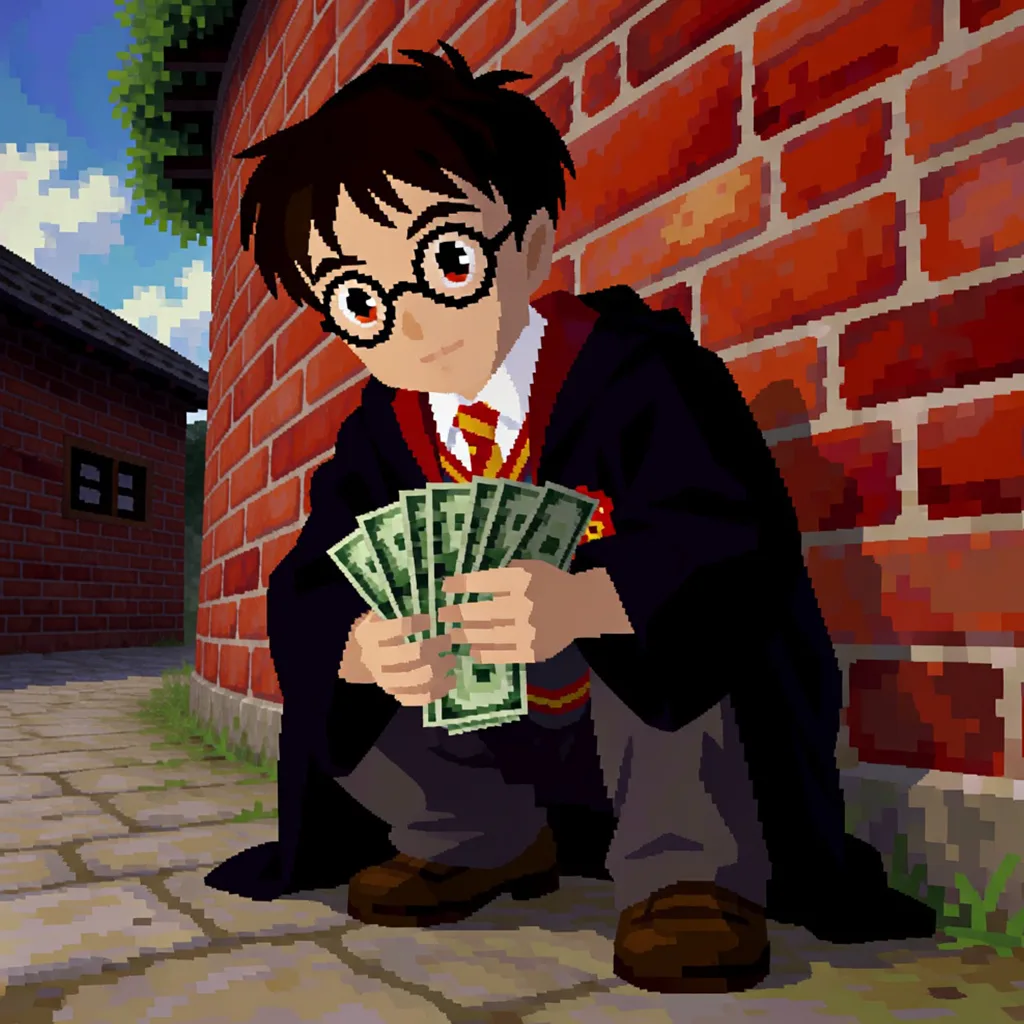
Restyle any image into EZ PSX Blocky.
Turn any photo, drawing or 3D render into PS1-style graphics. A low-poly AI character generator that recreates real 90s console looks — blocky models, low-res textures and hard vertex lighting, straight from your image. Robe, glasses and the fan of notes all read at polygon resolution — brick wall included.
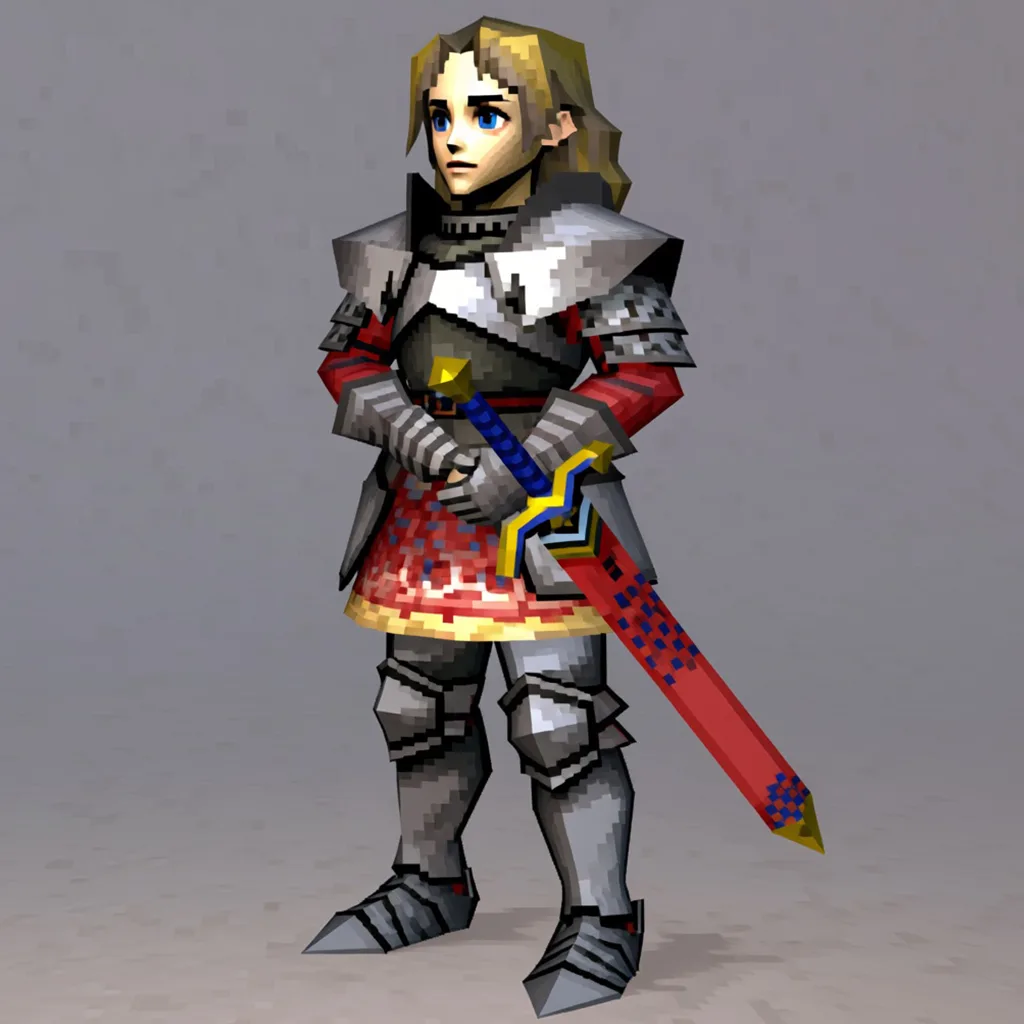
Restyle any image into EZ PSX Retro.
Turn any photo, drawing or 3D render into retro PS1-style graphics. An AI PSX filter and low-poly character generator that keeps the detail — classic 90s console texture, straight from your image. Same pose, armour and sword — sketch lines become polygons, colour hints become textures.
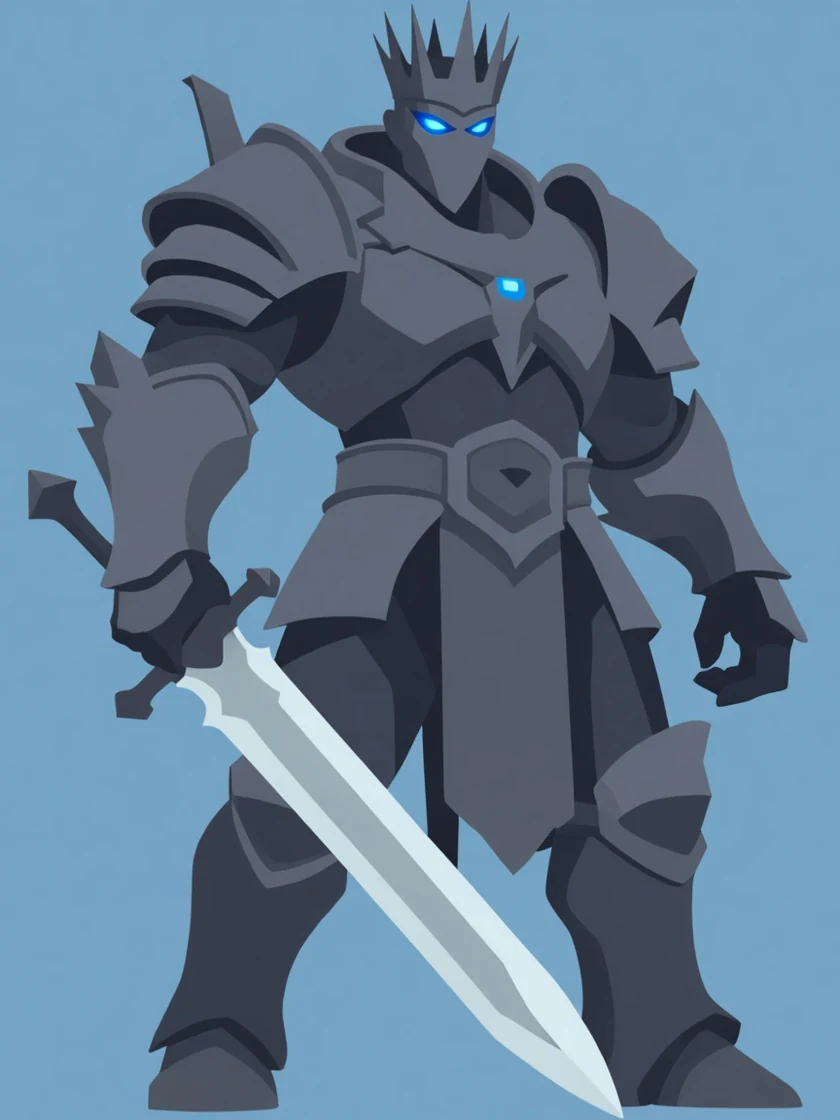
Restyle any image into flat colour cartoon.
Turn any photo, drawing or render into clean flat-colour cartoon art. A vector-style AI illustration generator that flattens shading into solid blocks of colour while the character stays exactly who it was. Same crown, glowing eyes, spaulders and greatsword — gradients and specular highlights collapse into solid blocks, and nothing else moves.
Image to PSX Converter — FAQ
What does the EZ PSX Blocky converter do?
What can I upload?
Will my character still be recognisable?
How is EZ PSX Blocky different from EZ PSX Retro?
How is style strength controlled?
Is it free to use?
Your recent jobs show up here
Sign in to start — 40 free credits every month, no card.