40 free credits every month — sign up free, no card Get started
Edit /

New Angle

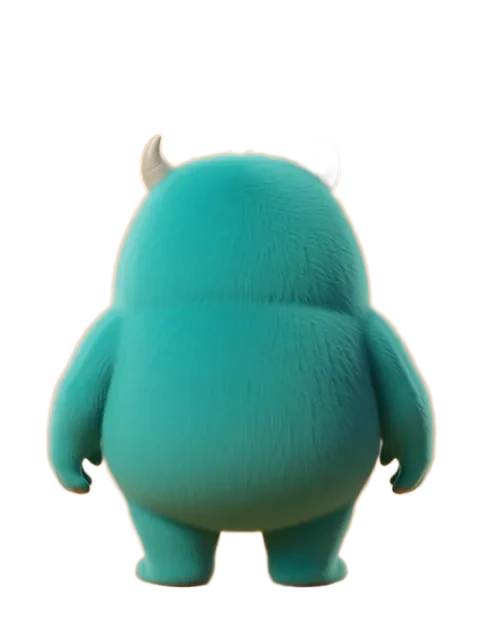
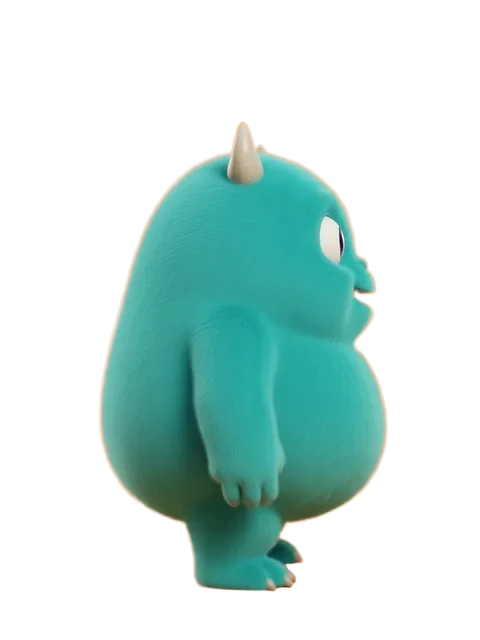
Turn your character to any camera angle
Your history ↗
All history

Image workspace · How it works

See your character from another angle

Start with a character, aim the camera and keep turning from any finished view.

Upload image Character image
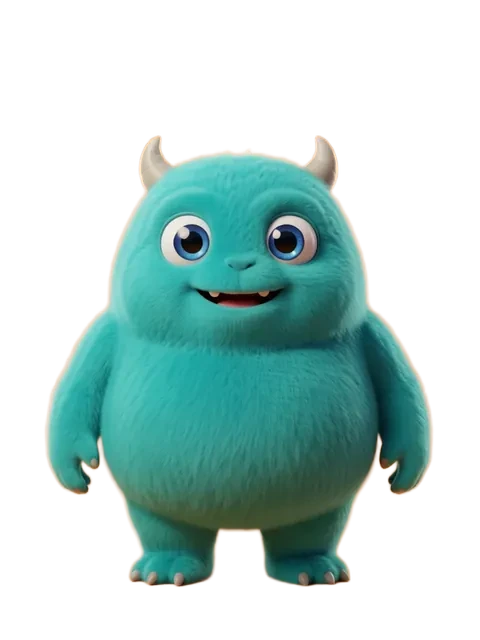
Character before turning
01

Choose your character

Upload a character or reuse a saved image.

Views4
CameraRight side
HeightEye level
Output settings
02

Aim the camera

Pick a direction on the orbit ring and fine-tune camera height and distance.
03

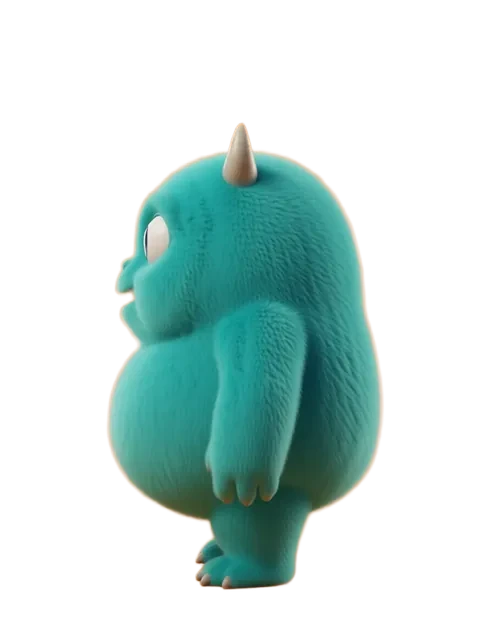
Keep turning

Download a view or use it as the canvas for another turn.

Your results stay available in All history and All recent jobs.

Audio input

How New Angle works

  1. Upload a character. Any style, any art. It lands on the canvas.
  2. Place the camera. Tap stops on the ring, or take the 4-view or 8-view turnaround. Camera height and distance live under Fine-tune.
  3. Turn from any view. Each result can become the canvas for the next run, or go straight to Image Edit.

Looking for presets and random angle sets? Use Multiple Angles.