
Next Scene
EZ Image Restyle
16credits per generation
2 images included
PNG, JPG or WebP
Camera moves, reveals and lighting changes work best.
Quick moves
Please allow 30–60s per image during busy periods. Results appear as they finish — no need to refresh.
Count
Advanced
No advanced settings for this tool.
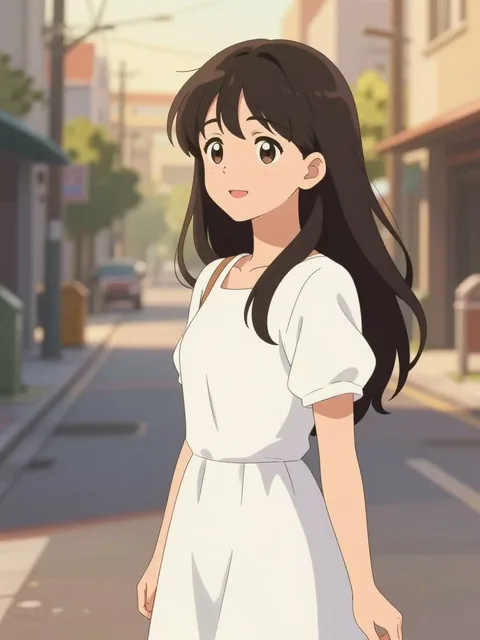
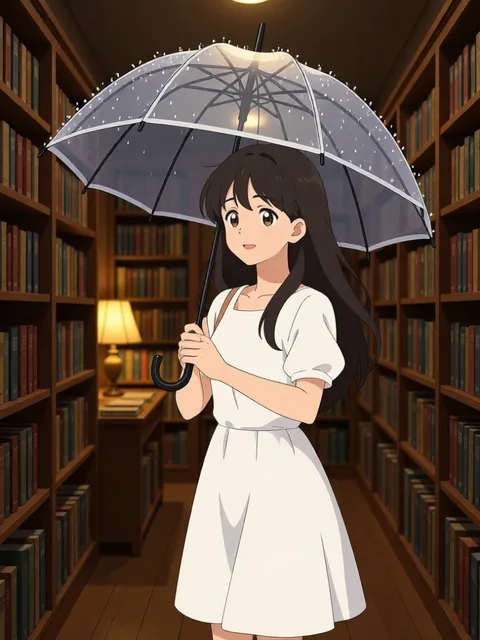
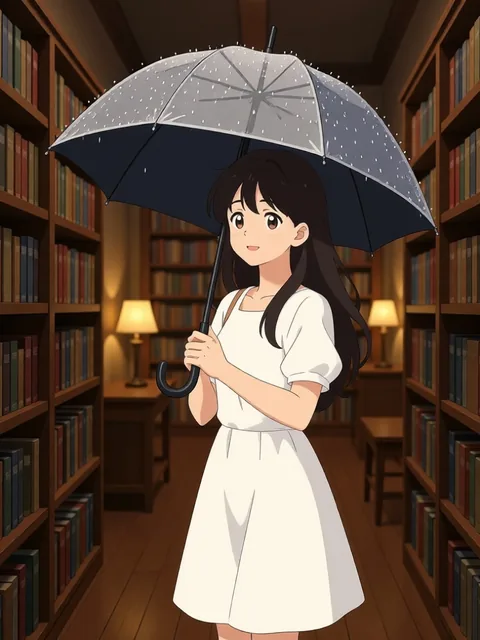
Scene: She steps into a cozy bookshop, rain still on her umbrella, warm lamplight on the shelves
Continue the shot from one frame
Upload a frame on the left, describe the camera move or the change in light, and get 2 images that pick up where it left off.
EZ Next Scene
Next Scene
FREE CREDITS MONTHLY NO CARD NEEDED
Upload one frame, say what the camera does next, and get the shot that follows — pull-backs, push-ins, pans, reveals and lighting changes.
Next Scene — FAQ
What does Next Scene do?
Upload one frame — a scene, or a character in a scene — and describe what the camera does next. Next Scene generates the follow-on shot: a pull-back, a push-in, a pan, a tilt, a wider reveal, or the same location at golden hour, at night, in rain or in fog. It is built for shot continuation, not for portraits.
What should I type?
Describe the move like a shot list line: "the camera pulls back to reveal the whole street as the sun sets" or "push in on the doorway, lights flicker on". Camera moves, framing changes, environmental reveals and lighting or time-of-day shifts work best. The quick chips add ready-made phrases you can stack.
What does Suggest next scene do?
Our vision model looks at your frame and proposes a camera move, a reveal and a lighting change in the format the model likes best; you can edit it before generating.
Does the character stay the same?
By default the tool follows the camera direction freely, which keeps moves like pull-backs and reveals clean. Turn on "Keep character identity" when a character is the subject and you want their face, outfit and design anchored while the shot changes.
What should I upload?
Any single image with a clear setting: a film still, a game screenshot, concept art, a storyboard panel or a character placed in an environment. PNG, JPG or WebP up to 25 MB — large images are optimized in your browser before upload. Drag and drop, paste, or reuse any image from your recent jobs.
Activity
Recent Jobs
Your recent jobs show up here
Sign in to start — 40 free credits every month, no card.