
Edit images with plain instructions
Describe the change in one sentence. Say what should stay the same, and Krea 3 leaves it alone.
Image model
Say the change. Keep the rest.
Upload an image and describe what should change. Krea 3 keeps everything else: the pose, the style and the background. No image? It creates one from your text.
Open Krea 3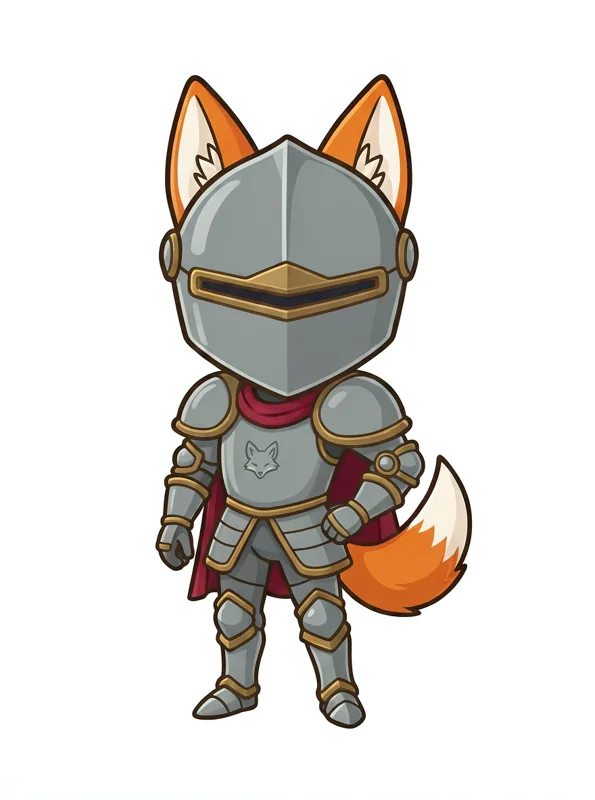
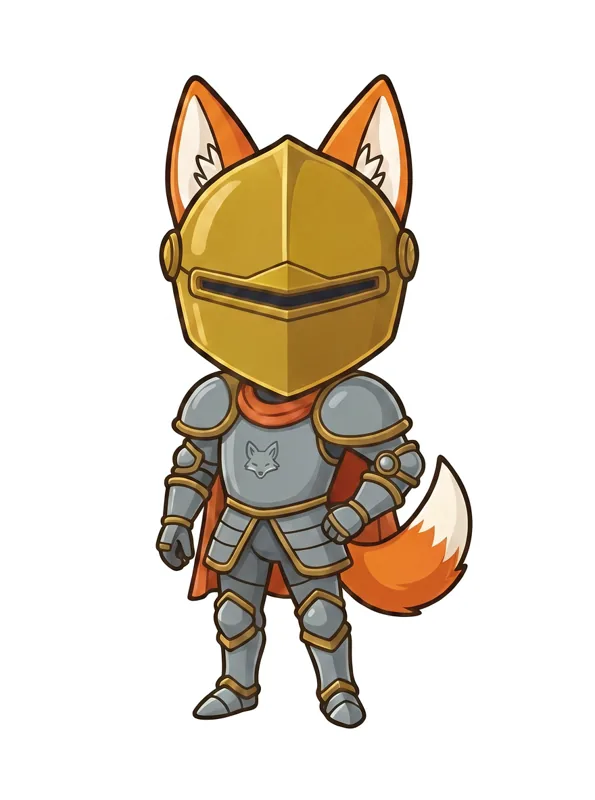
Describe the change in one sentence. Say what should stay the same, and Krea 3 leaves it alone.
Add a character, an outfit or a place as extra images and say in your prompt how to use them together.
Fast for quick edits, High for harder ones. The Generate button shows the credits before you run.
Krea 3 is an AI image model built for editing: you upload an image and describe the change in plain words. With no image, it creates a new one from your text.
Upload your image and write one instruction, such as "Give the fox a red cape and a golden helmet." Name what should stay the same, like the pose, style or background, so Krea 3 keeps it.
Up to 8 input images per run on EZ Character. Add a character, an outfit or a place, and say in your prompt how to use them together.
Fast is quicker and suits simple edits. High takes longer and gives harder edits, such as combining several images, more care.
You choose 1K or 2K before you run.
It uses EZ Character credits. The cost depends on your settings and how many images you add, and the Generate button shows it before you run.