
Fast edge-sharpening (zone transform) — enlarges up to 4× (inputs ≤ 2048px, output capped at 4096px). Best on line art & flat color. Heavier detail? Switch to EZ Upscale.
1 upscaled image included
Advanced
ESRGAN has no advanced controls.
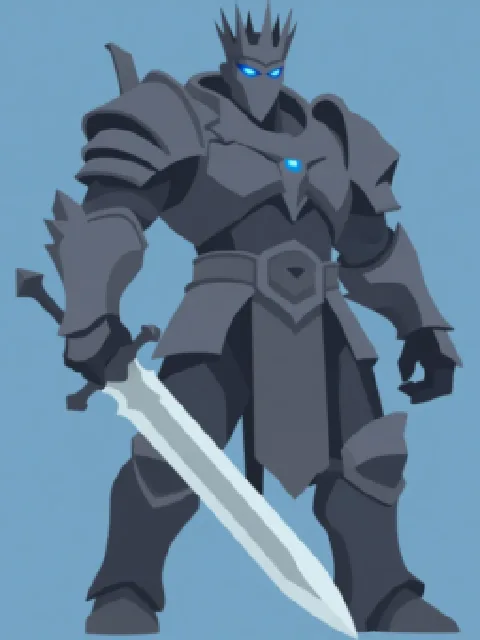
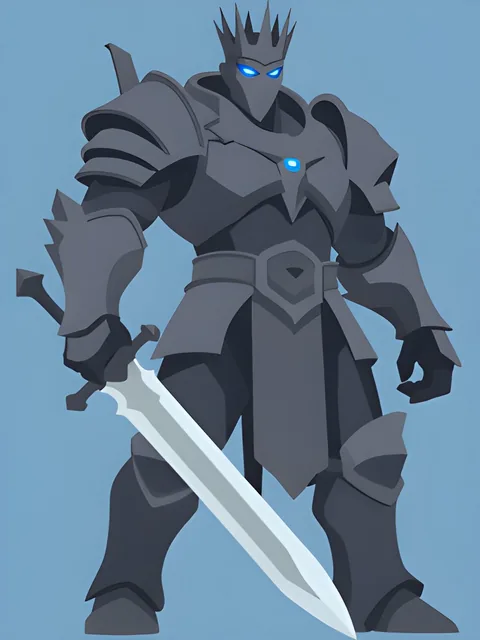


Run: 256 px in, 1024 px out — ESRGAN 4K
Upscale any image to 2K, 4K & 8K.
A free AI image upscaler powered by generative super-resolution. Enlarge art, anime, renders and photos up to 8K — detail is reconstructed, not stretched, so edges stay crisp at print size.
Free AI Image Upscaler — 2K, 4K & 8K
Free AI image upscaler with generative super-resolution — enlarge any image to 2K, 4K, or 8K with sharp, reconstructed detail, not the blur you get from normal resizing. Ideal for print and large-format.

Generative super-resolution, up to 8K
EZ Upscale reconstructs fine texture and detail instead of stretching pixels. Pick an output size from roughly 2K up to 8K, leave Enhance details and Enhance realism on for AI-generated art, and allow about 30 seconds per image.
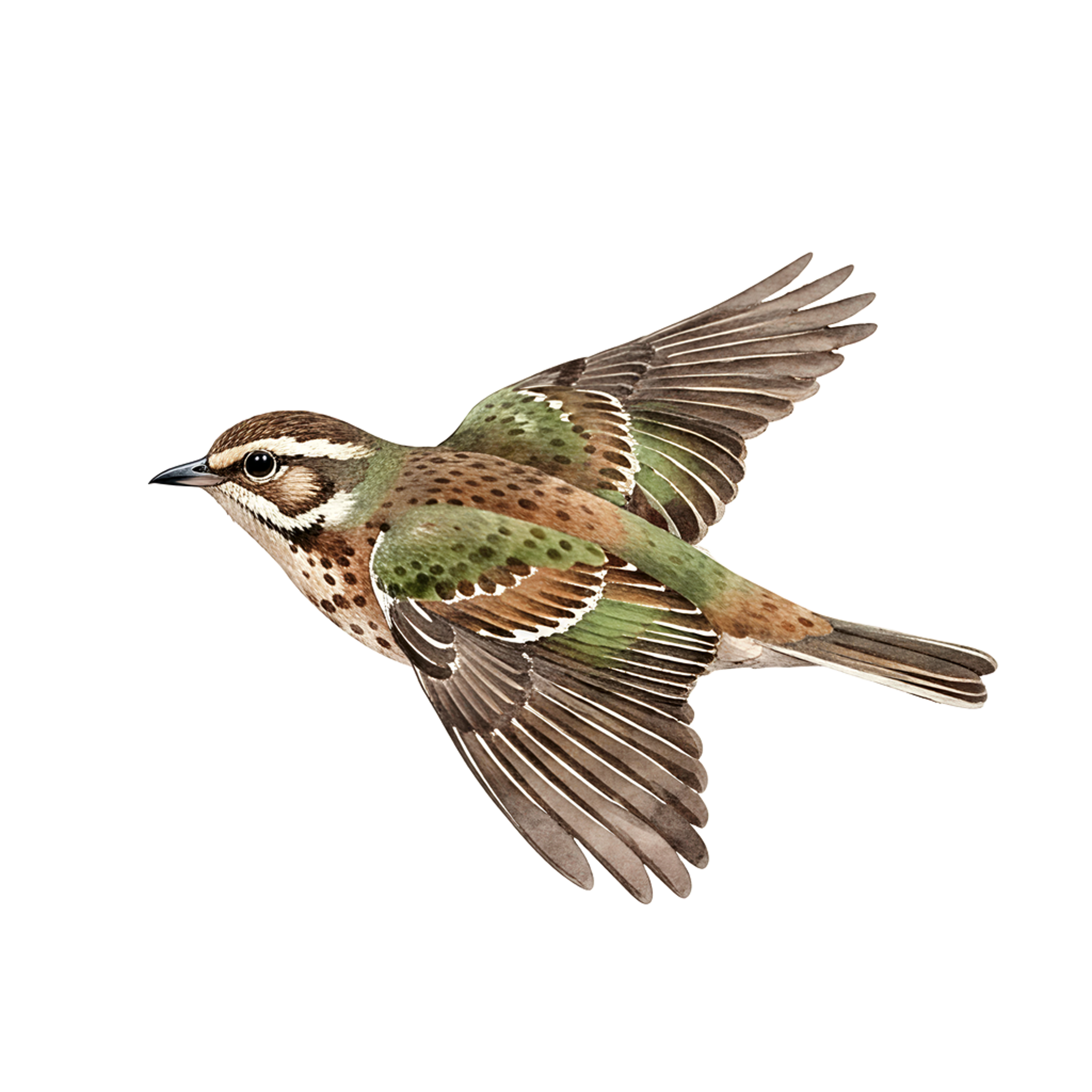
Sharp on cartoon, anime and flat-color art
Normal resizing (bicubic) stretches pixels and blurs edges. The ESRGAN pass reconstructs sharp lines and clean detail instead, which shows up most on cartoon, anime and flat-color work. Both engines share the same click-to-load samples — 3D render, watercolor, cartoon and anime — so you can compare them on the same image.

An honest before and after
The comparison at the top of the page is a zoomed crop, because the difference only reads at magnification — and its “before” is cropped from the genuinely low-resolution source, never from the upscaled file. ESRGAN gives 2× guaranteed and 4× when the AI pass has capacity, capped at 4096px on the longest side, and the result banner always shows the exact resolution you received.
AI Image Upscaler — FAQ
Is the AI image upscaler free?
How much bigger does my image get?
How is this different from just resizing?
What file types and sizes can I upload?
Your recent jobs show up here
Sign in to start — 40 free credits every month, no card.